Mission Launch
The Mission Launch interface provides a centralized cockpit for deploying, monitoring, and controlling dock-based missions from start to finish.
Overview
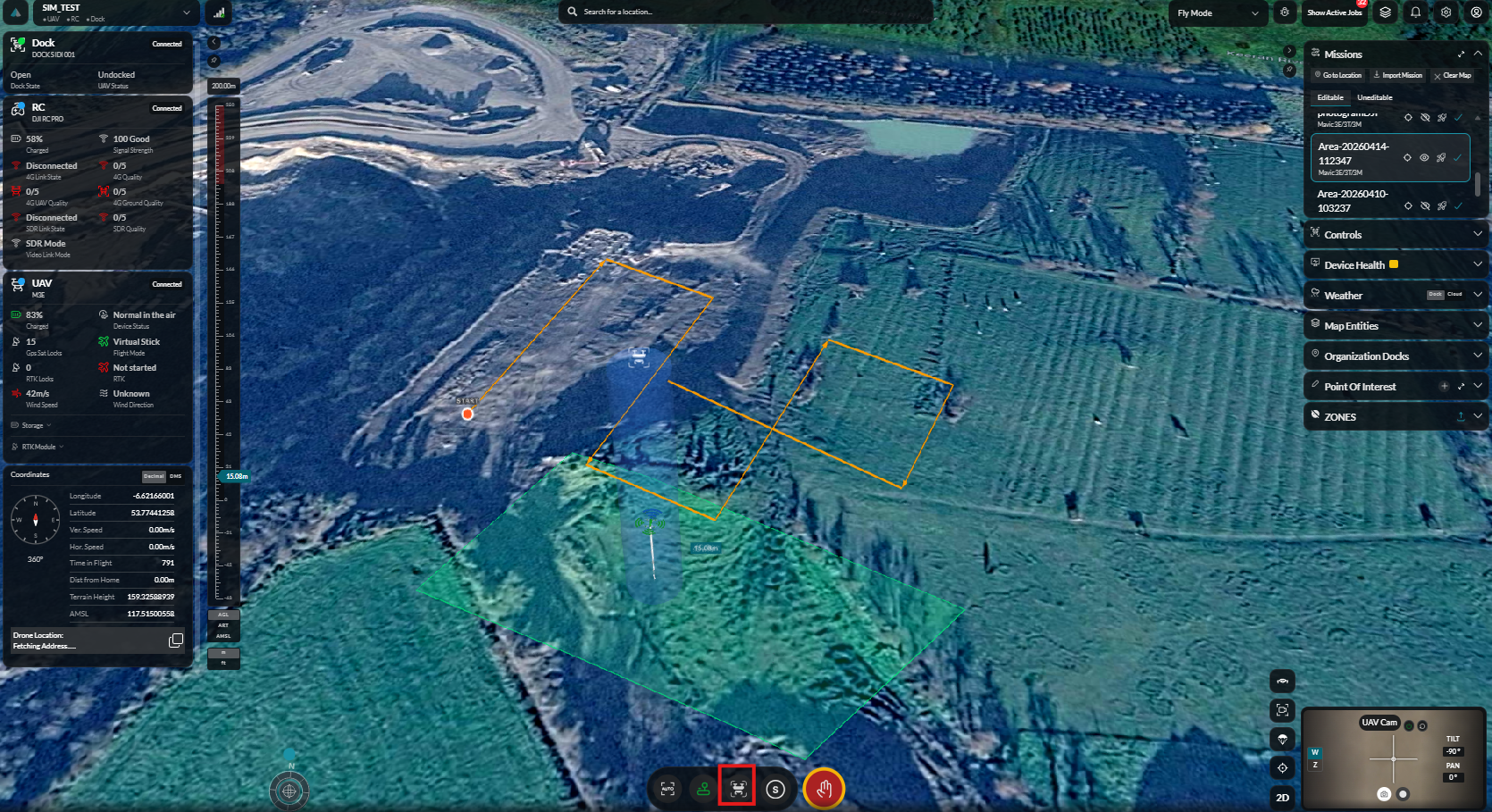
Mission Launch consolidates all pre-flight checks, execution controls, and real-time monitoring into a single dashboard view.
Launch Dashboard
The main dashboard provides an overview of the selected dock, aircraft readiness, and mission status.
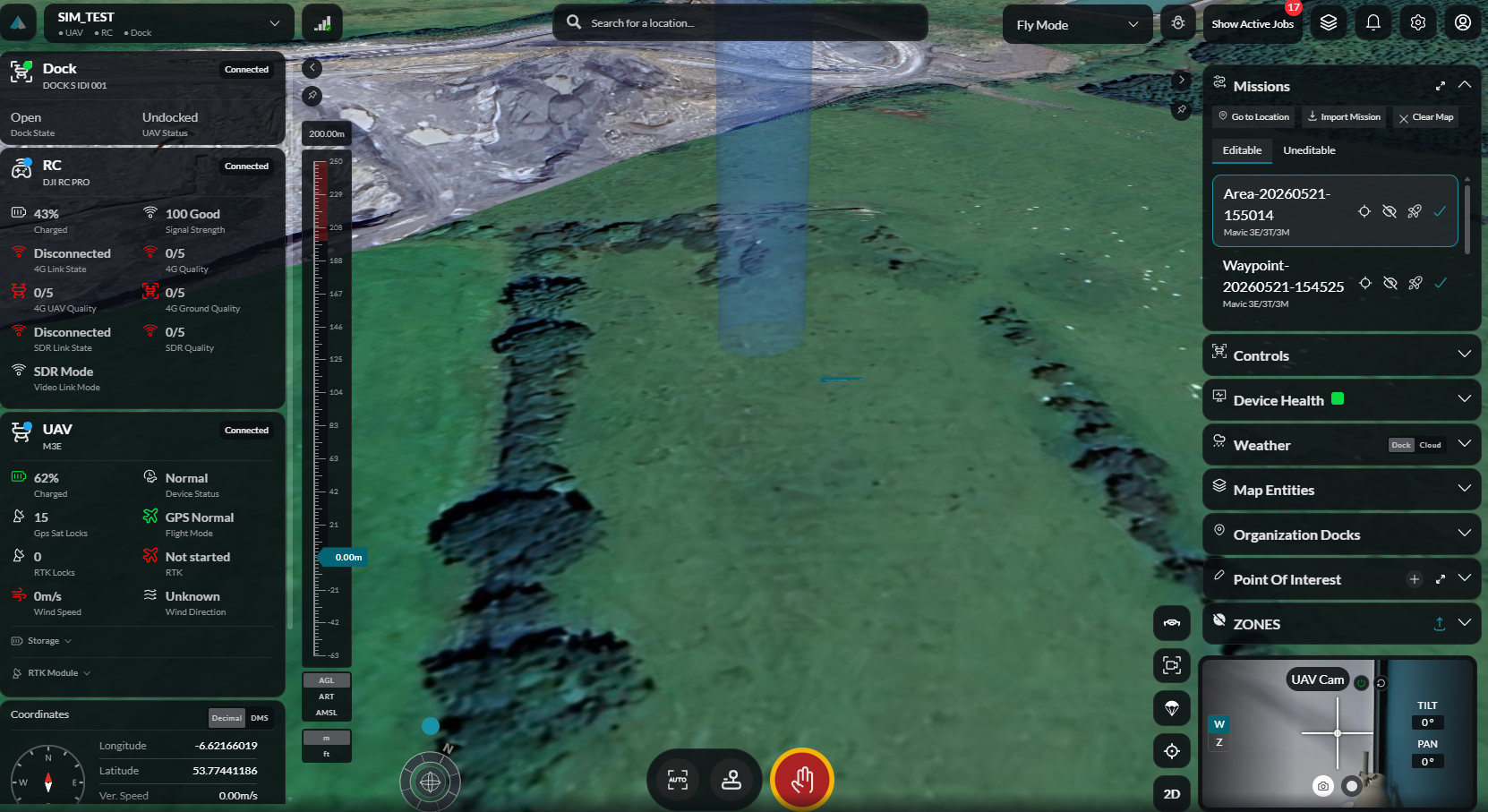
Device & Dock Status
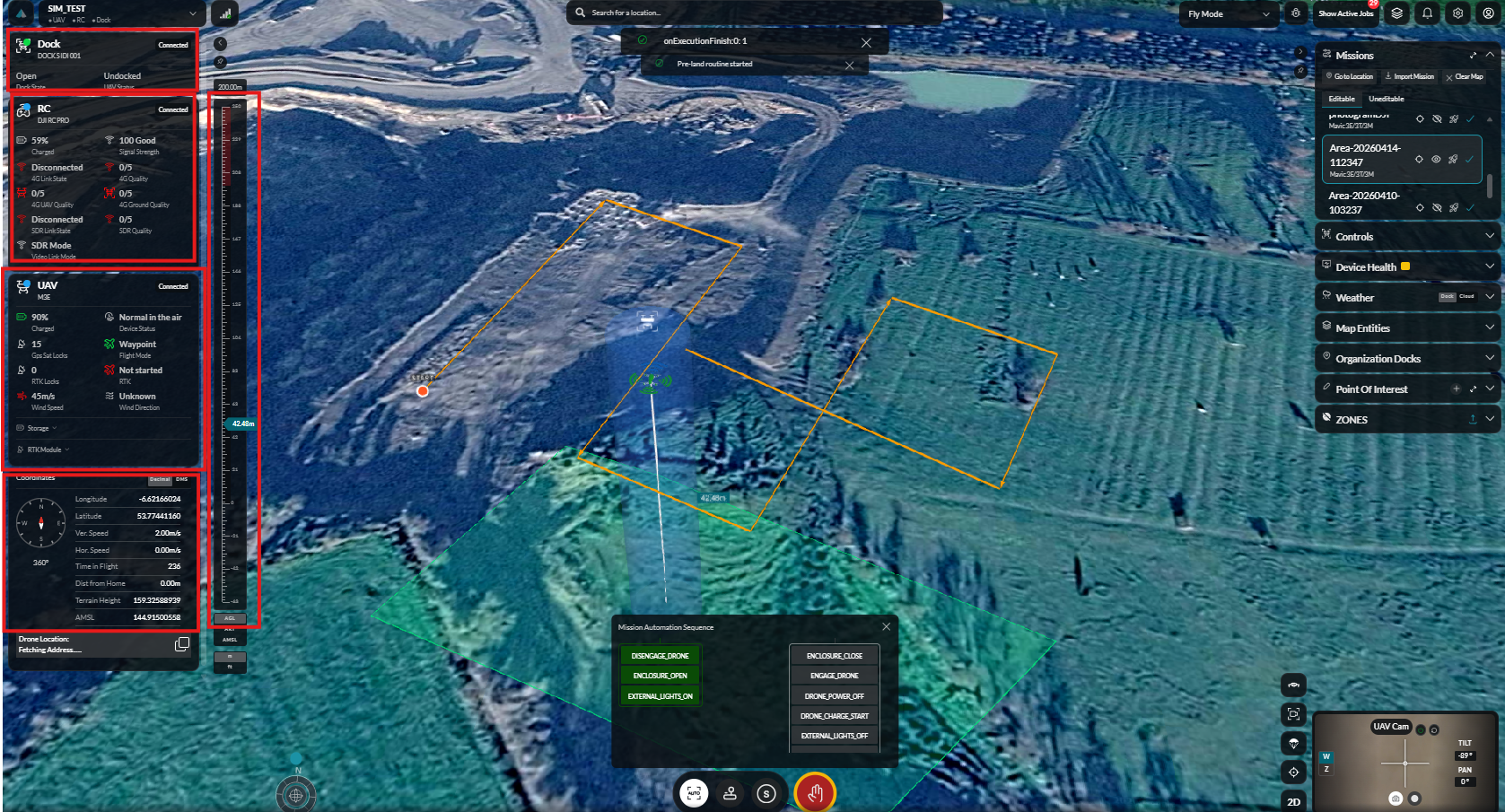
Device Connectivity
Verify the connection status of your dock and aircraft before launch.
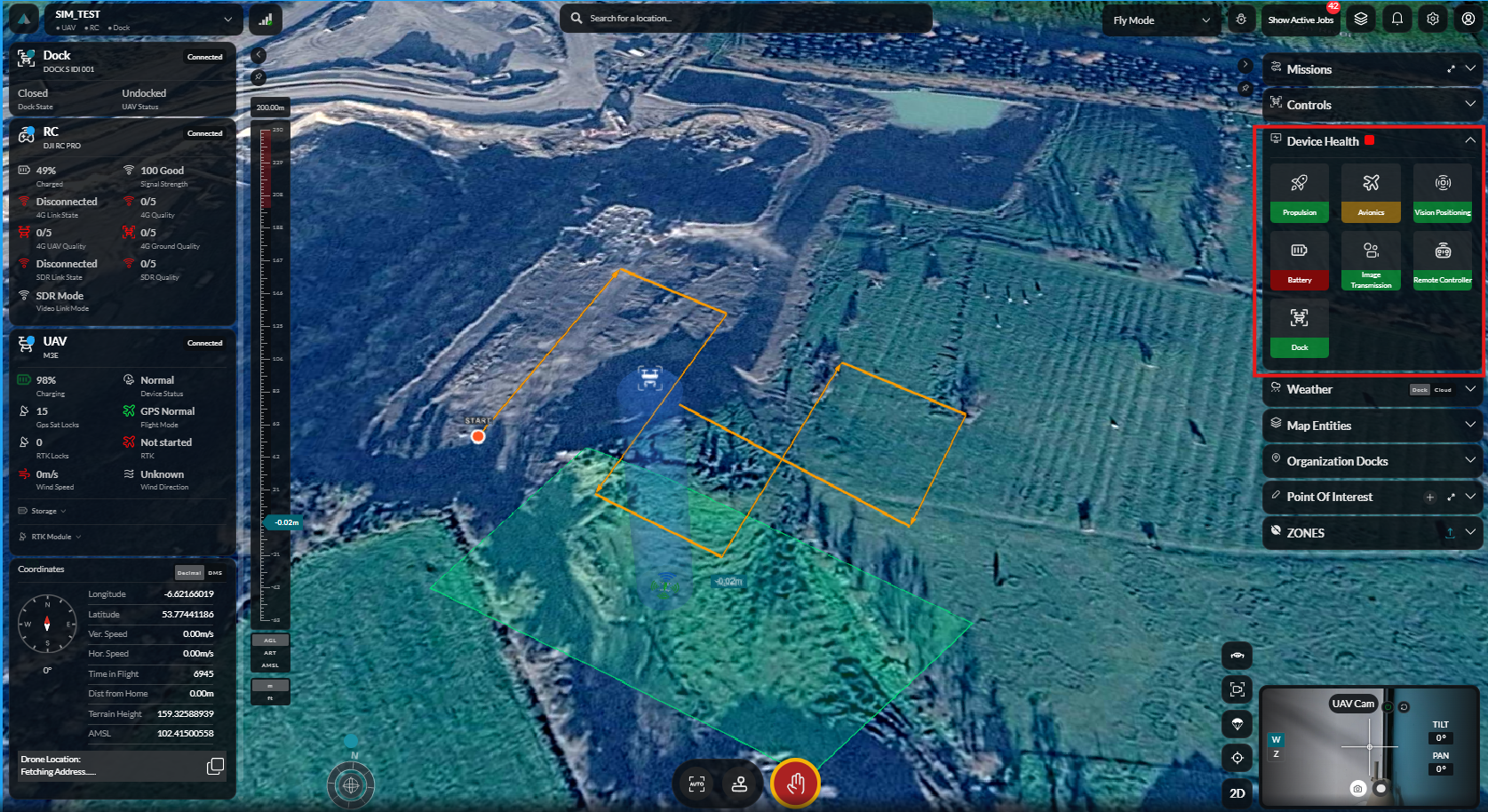
Device Health
Check the health status of all dock and aircraft systems.
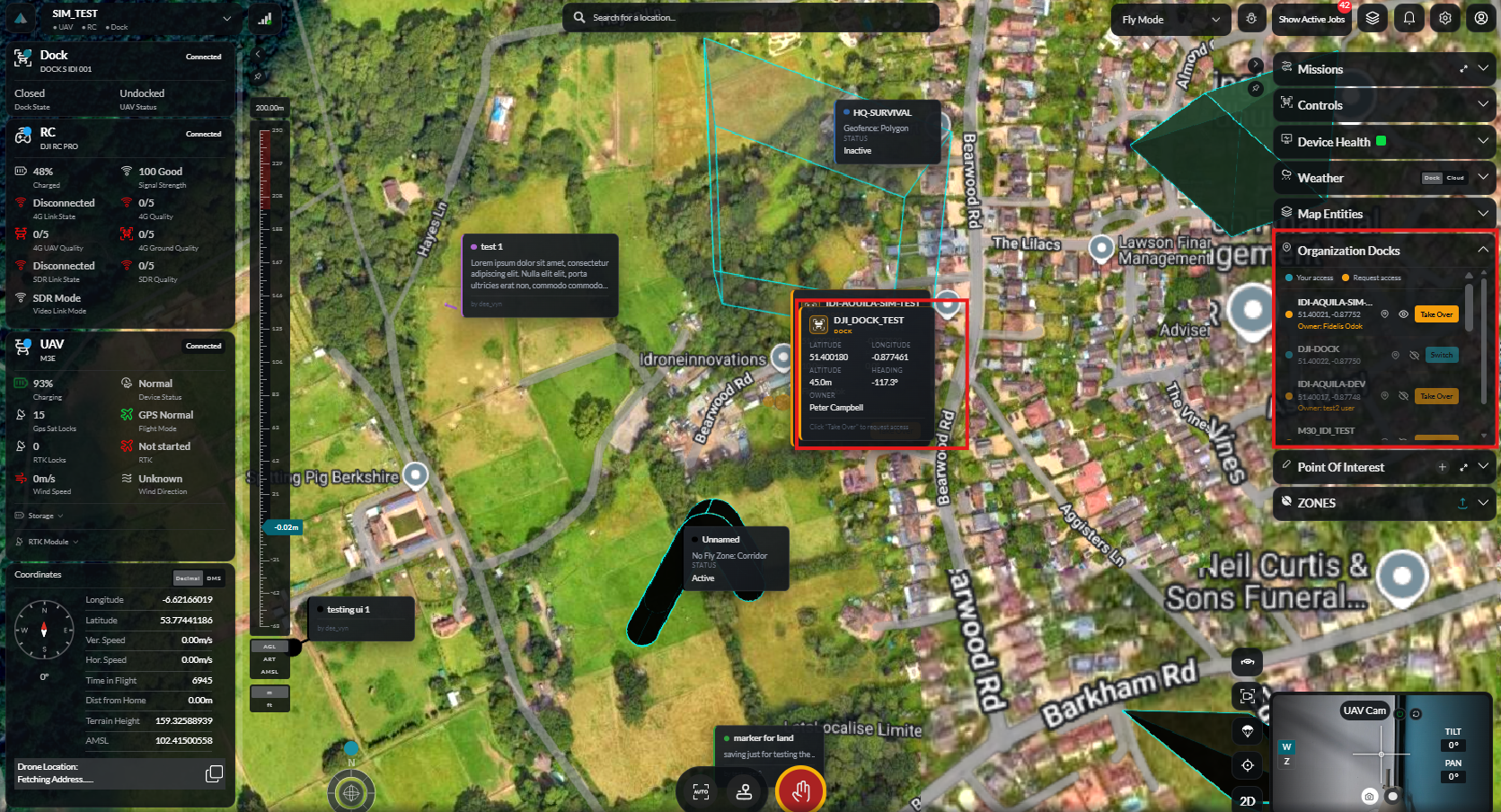
Organisation Docks
View and select from all docks available in your organisation.
Pre-Launch Configuration
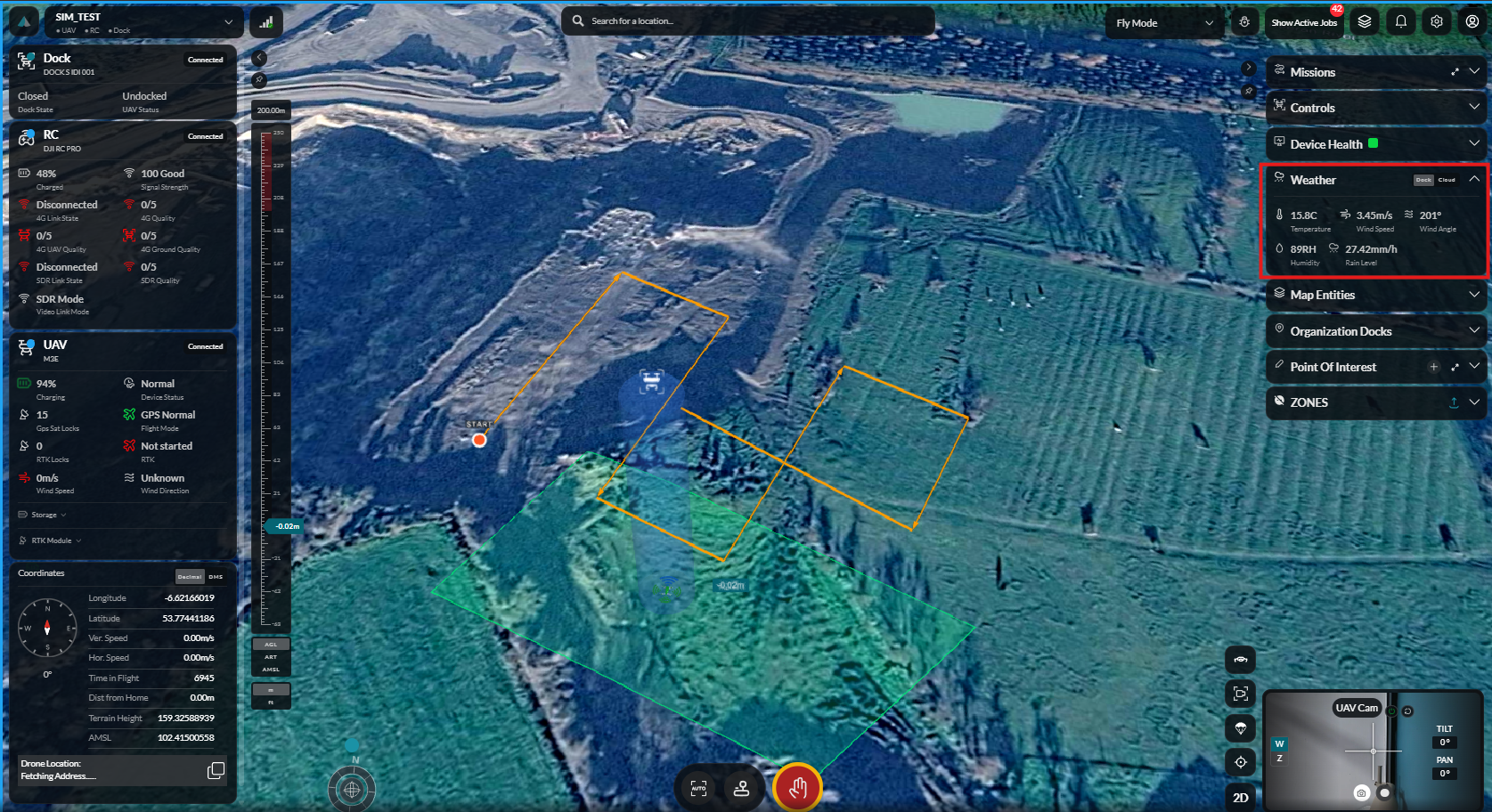
Weather Data
Review current weather conditions before proceeding with the launch.
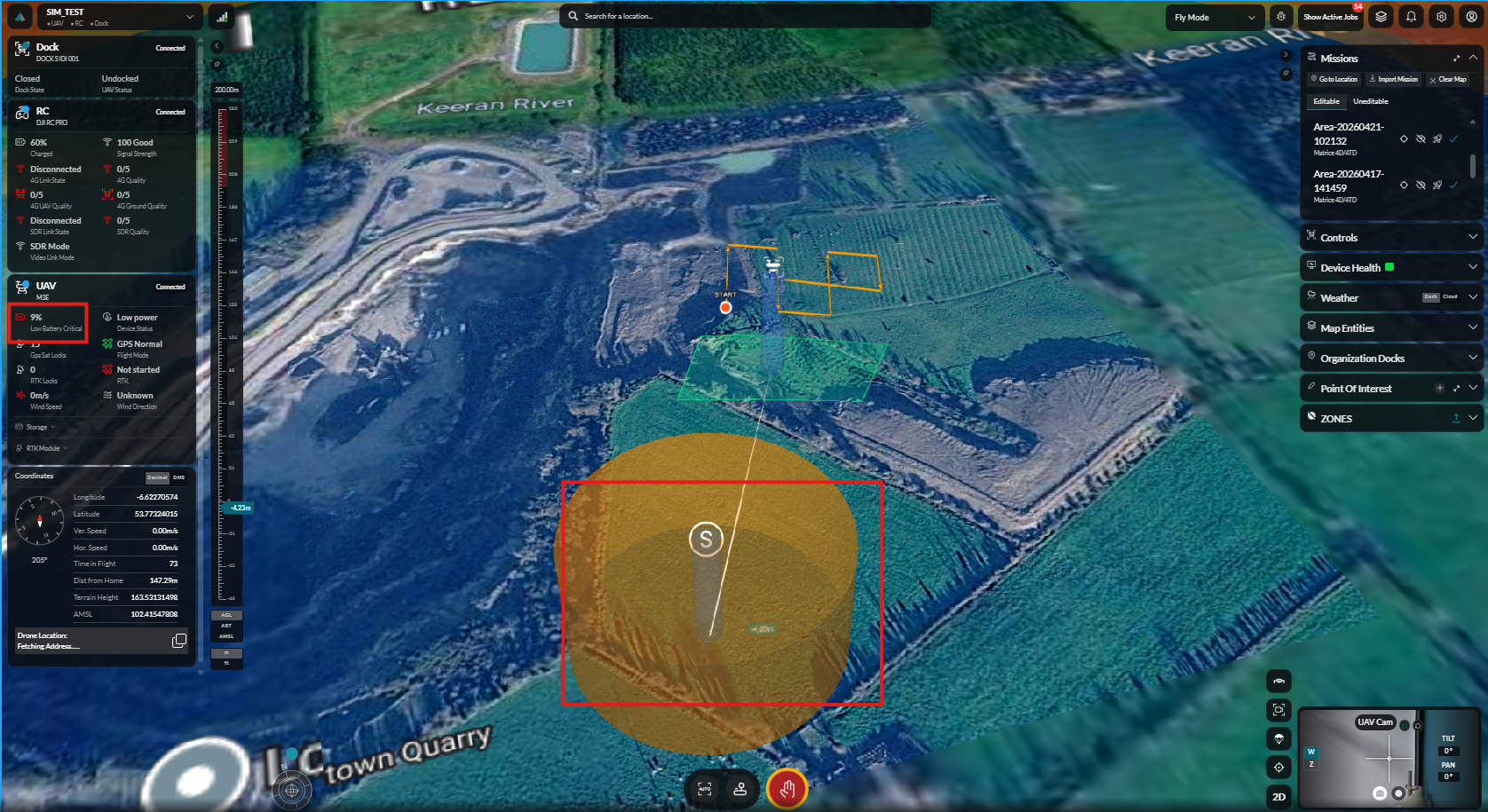
Safe Area
Configure the safe area boundary for the mission.
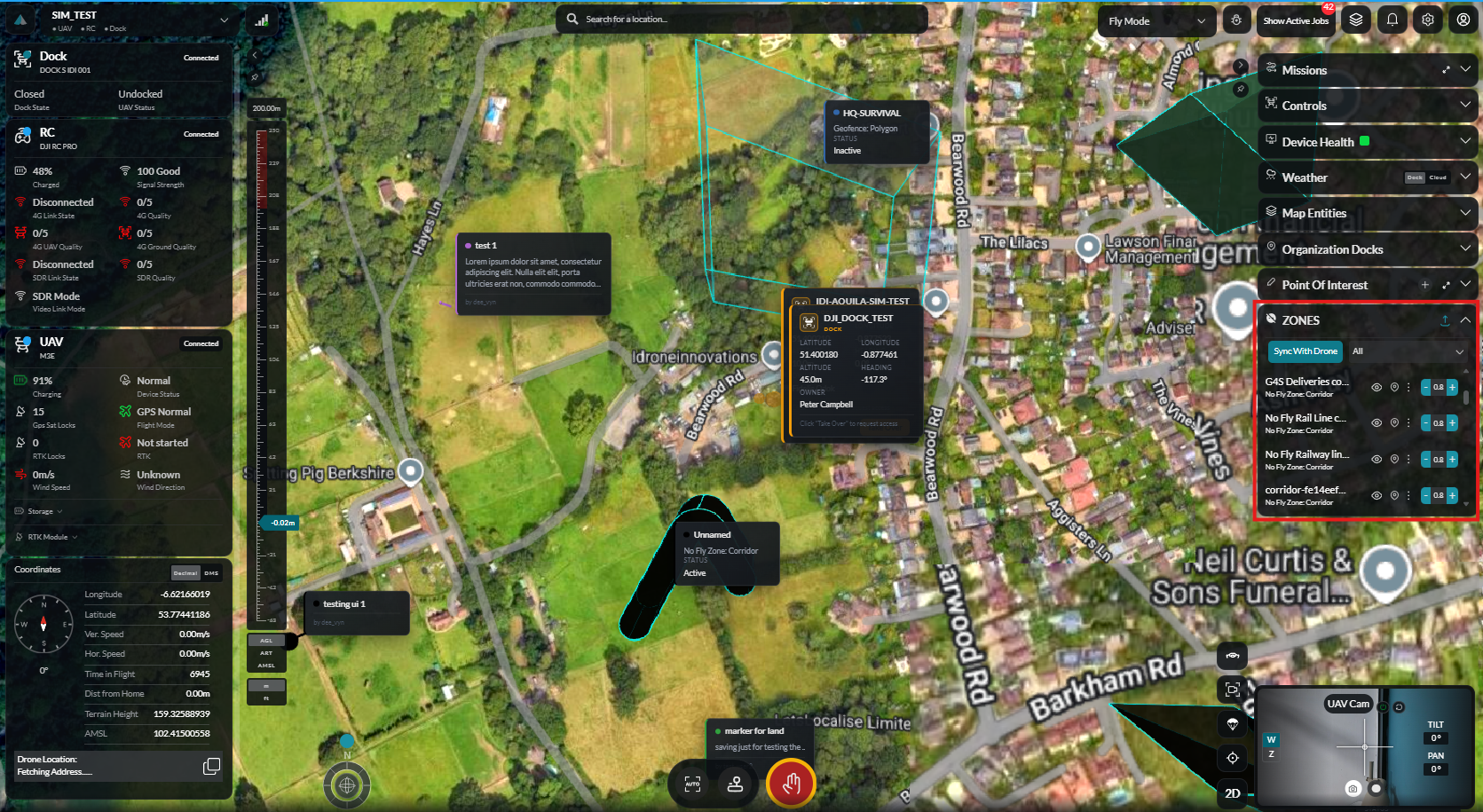
Zones
Define no-fly zones and operational boundaries.
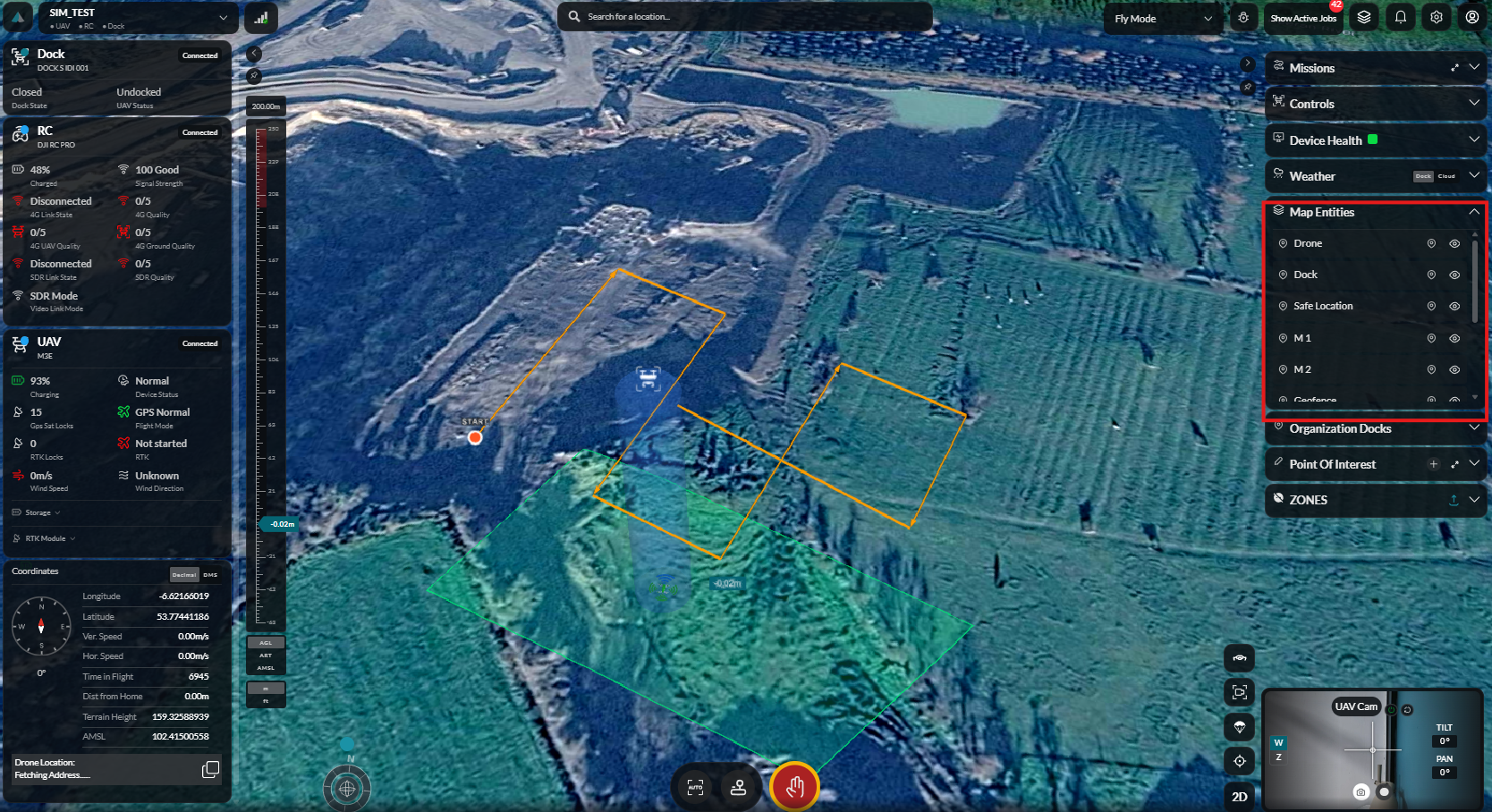
Map Entities
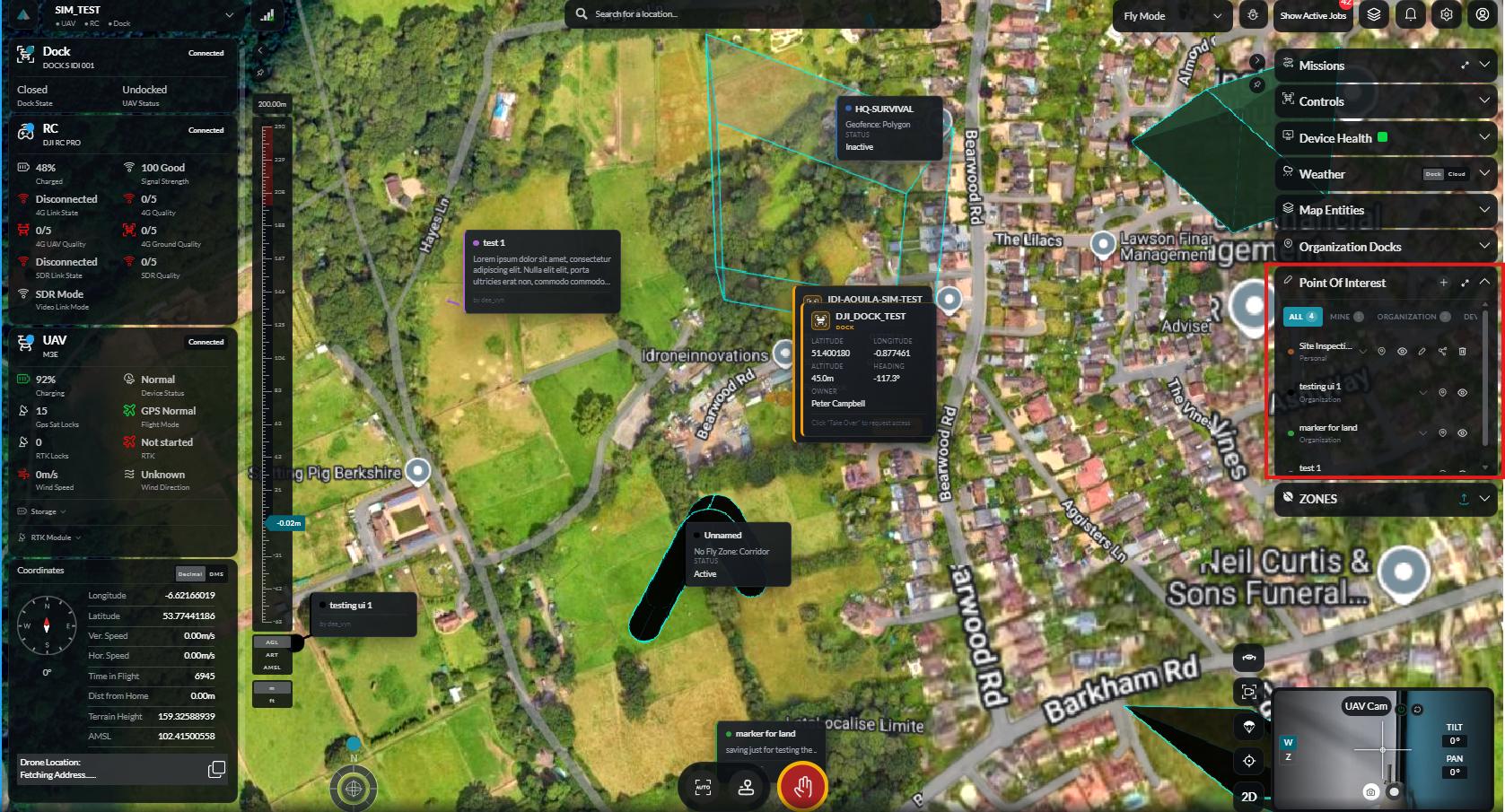
View map entities including POIs, waypoints, and geofences.
POI Data
Review points of interest associated with the mission location.
Launch & Execute
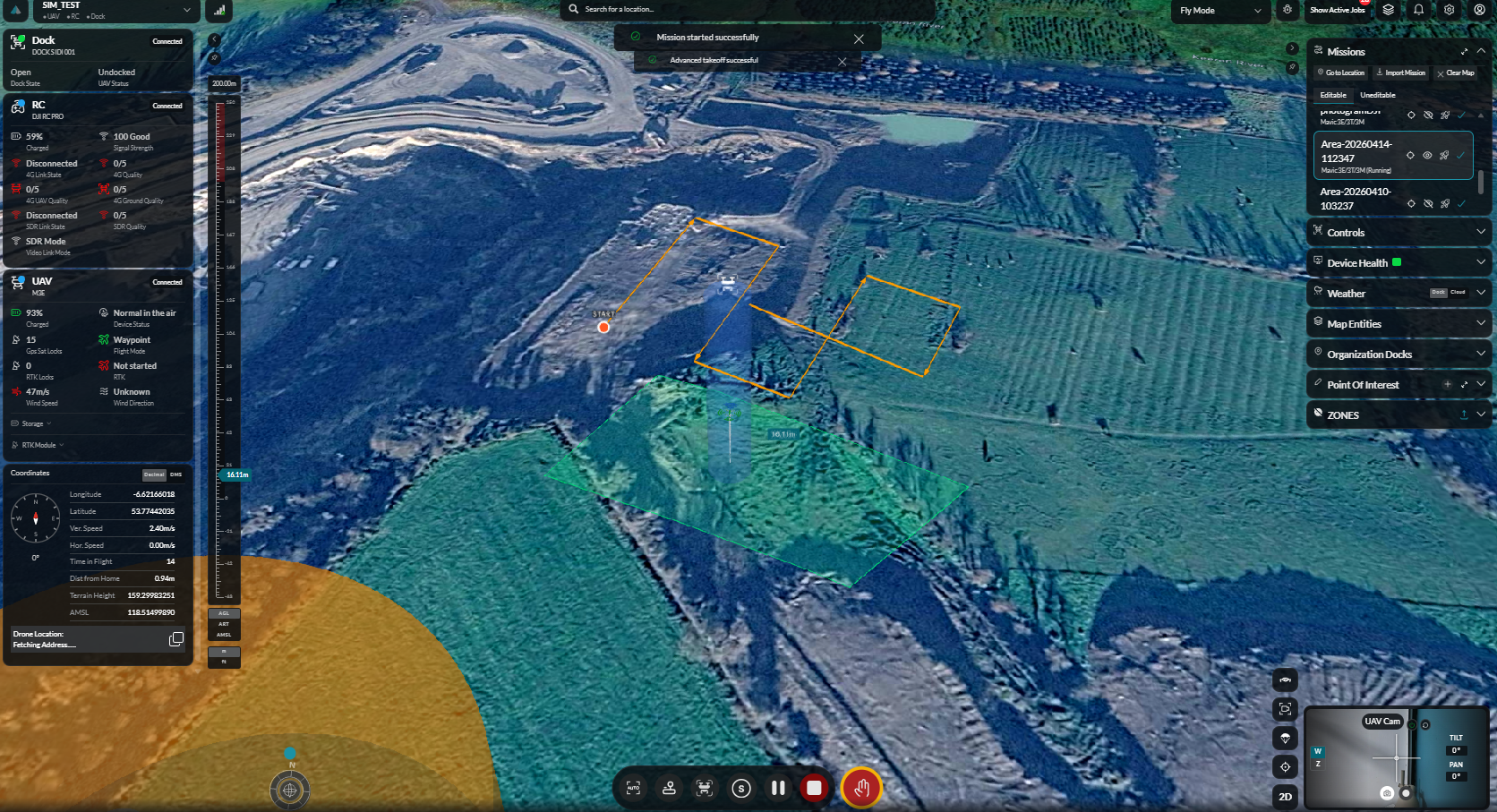
Mission Launch
Initiating the selected mission from the dock.
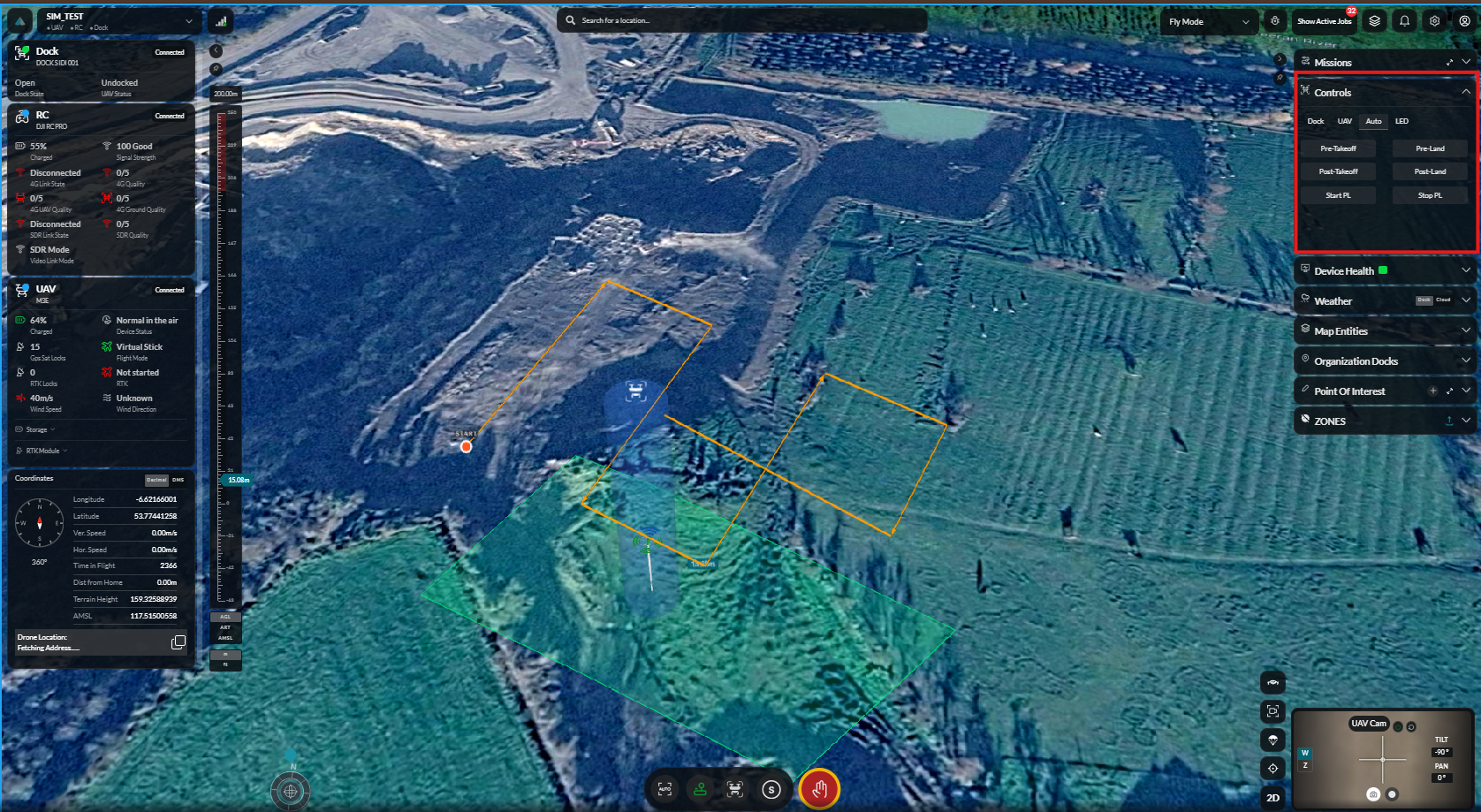
Auto Controls
Automated flight control panel during mission execution.
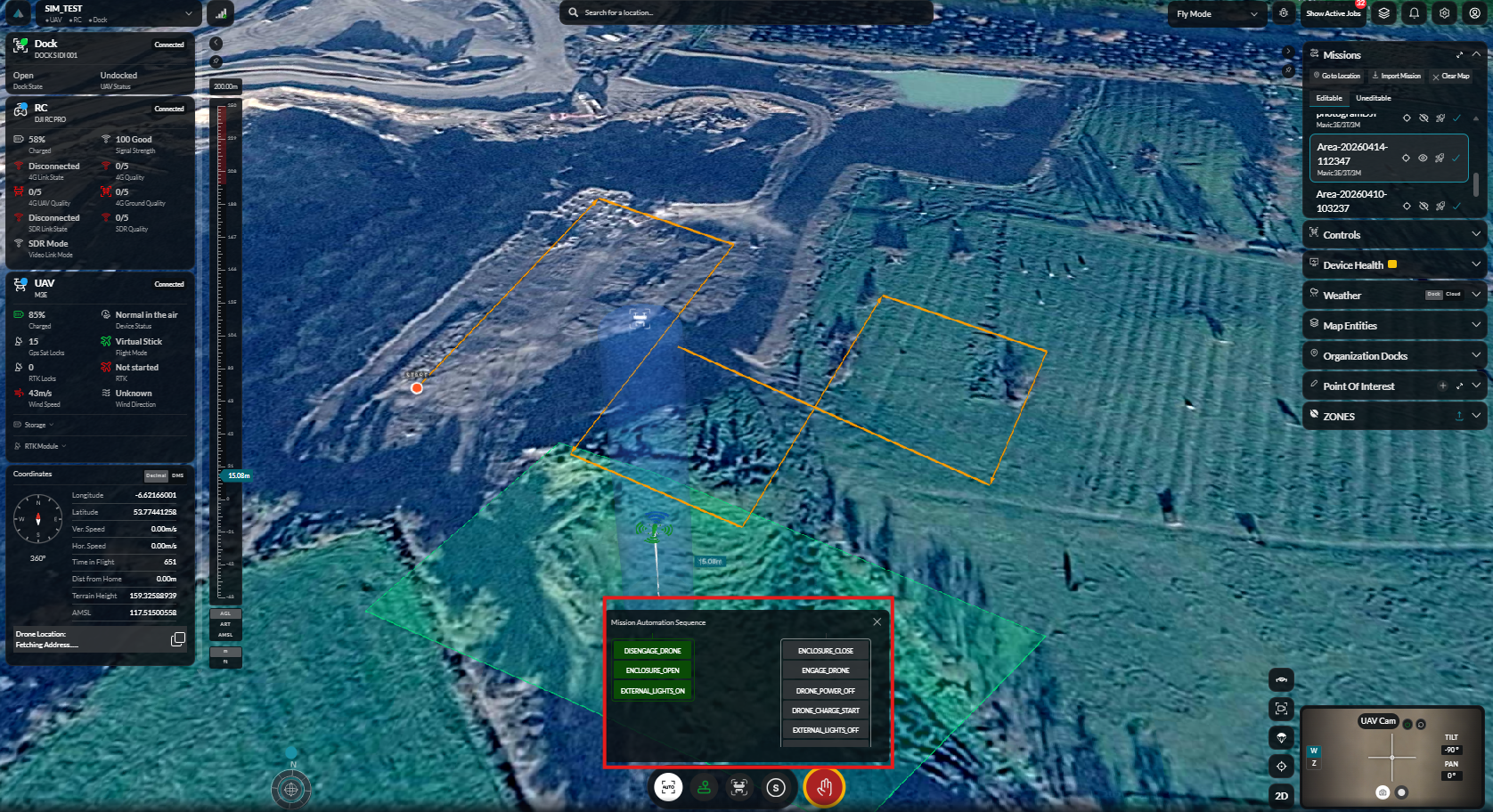
Auto Mission Sequence
Monitor the progress of the automated mission waypoint sequence.
Flight Controls
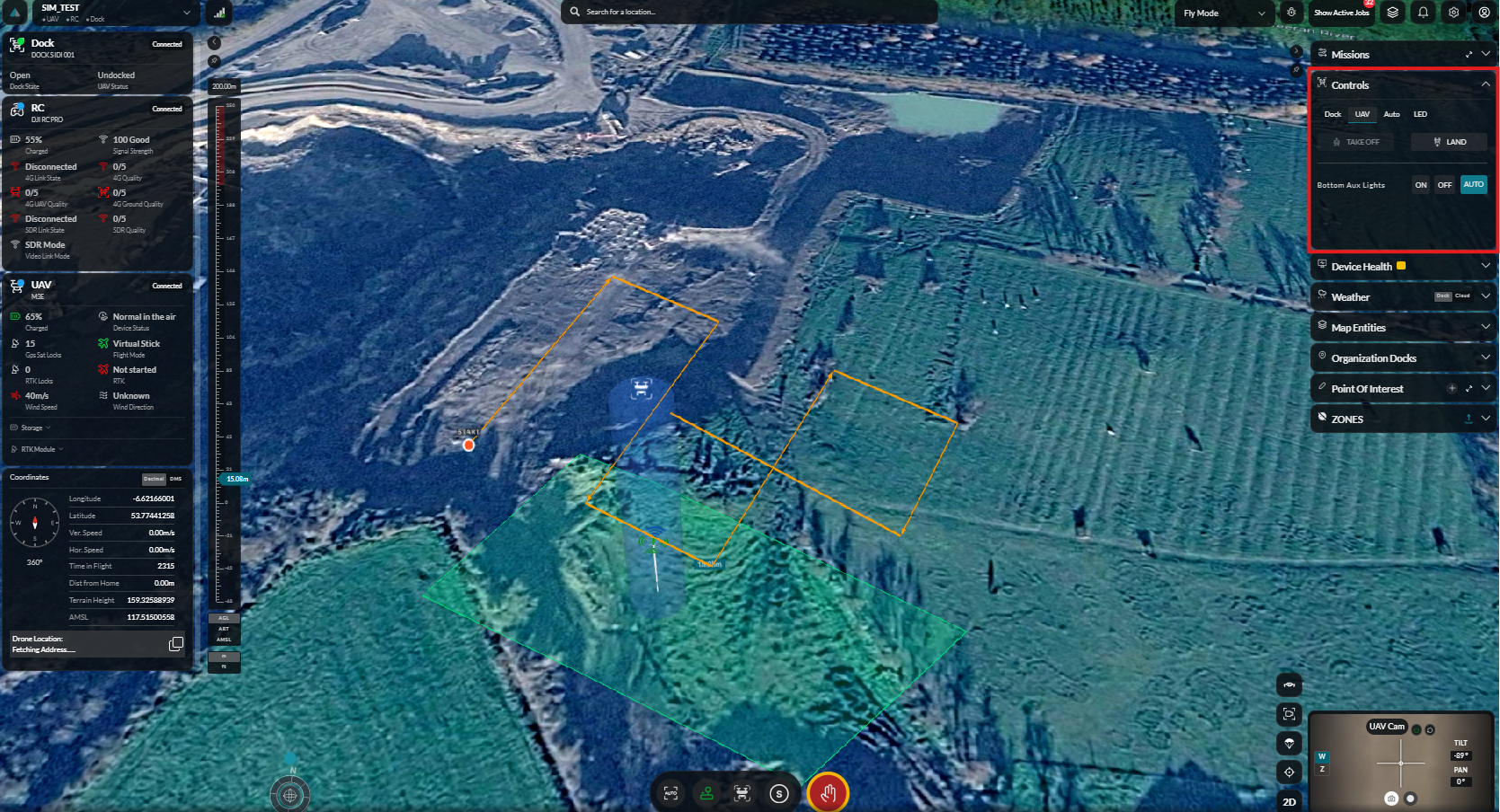
UAV Controls
Full UAV flight control panel for manual intervention.
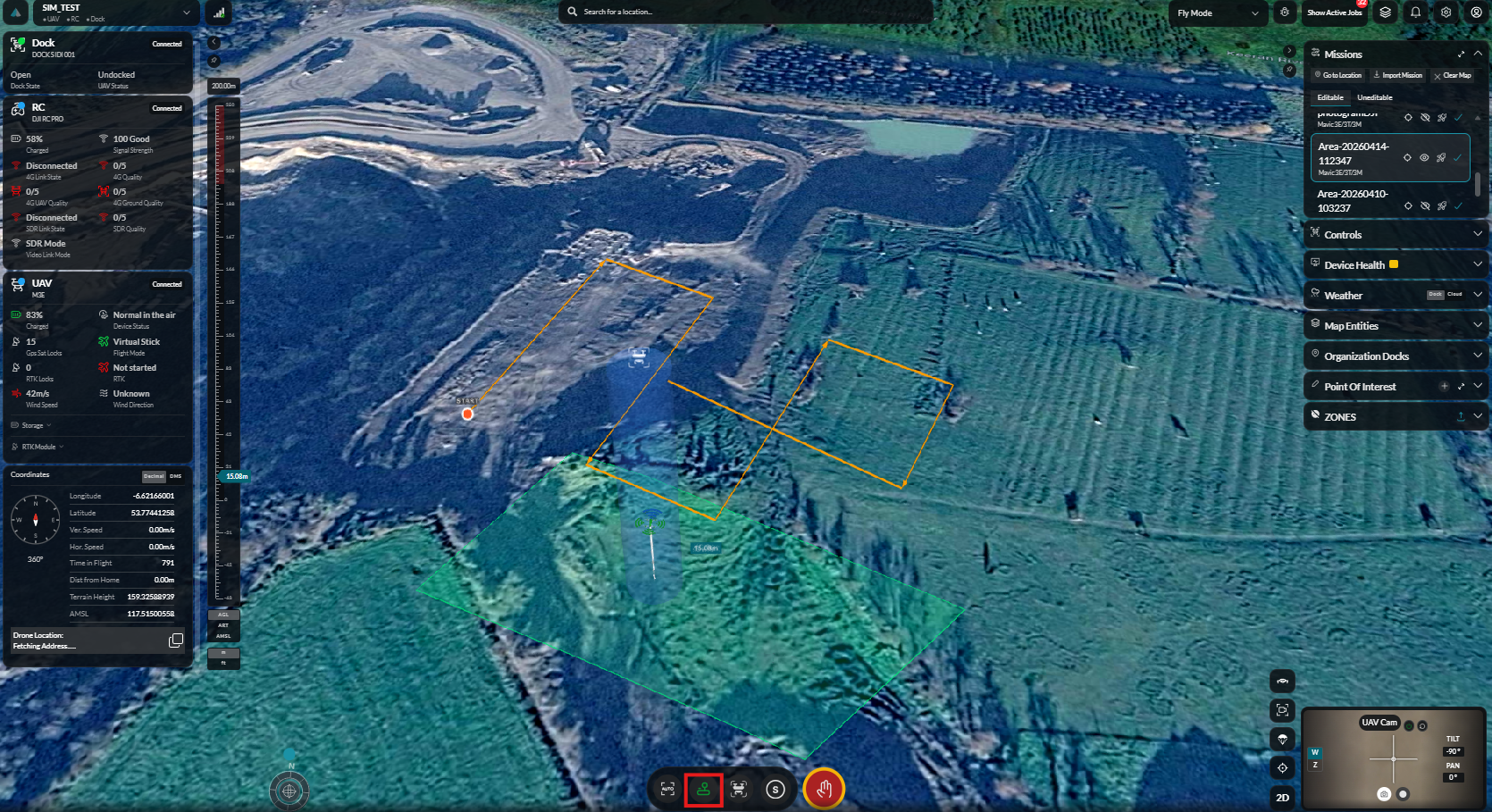
Manual Control
Switch to manual flight control mode.
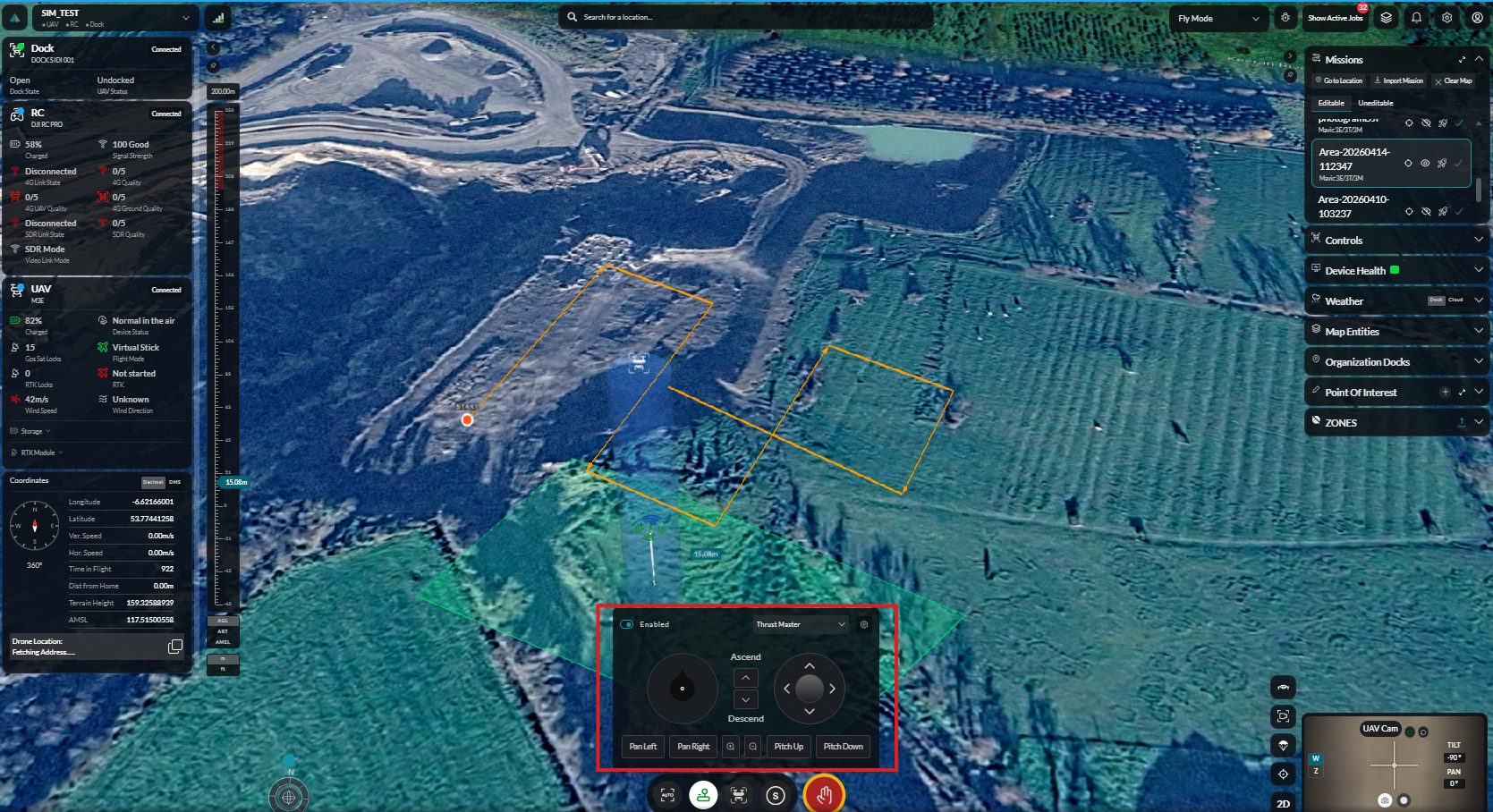
Manual Virtual Control
Use virtual joystick controls for manual piloting from the dashboard.
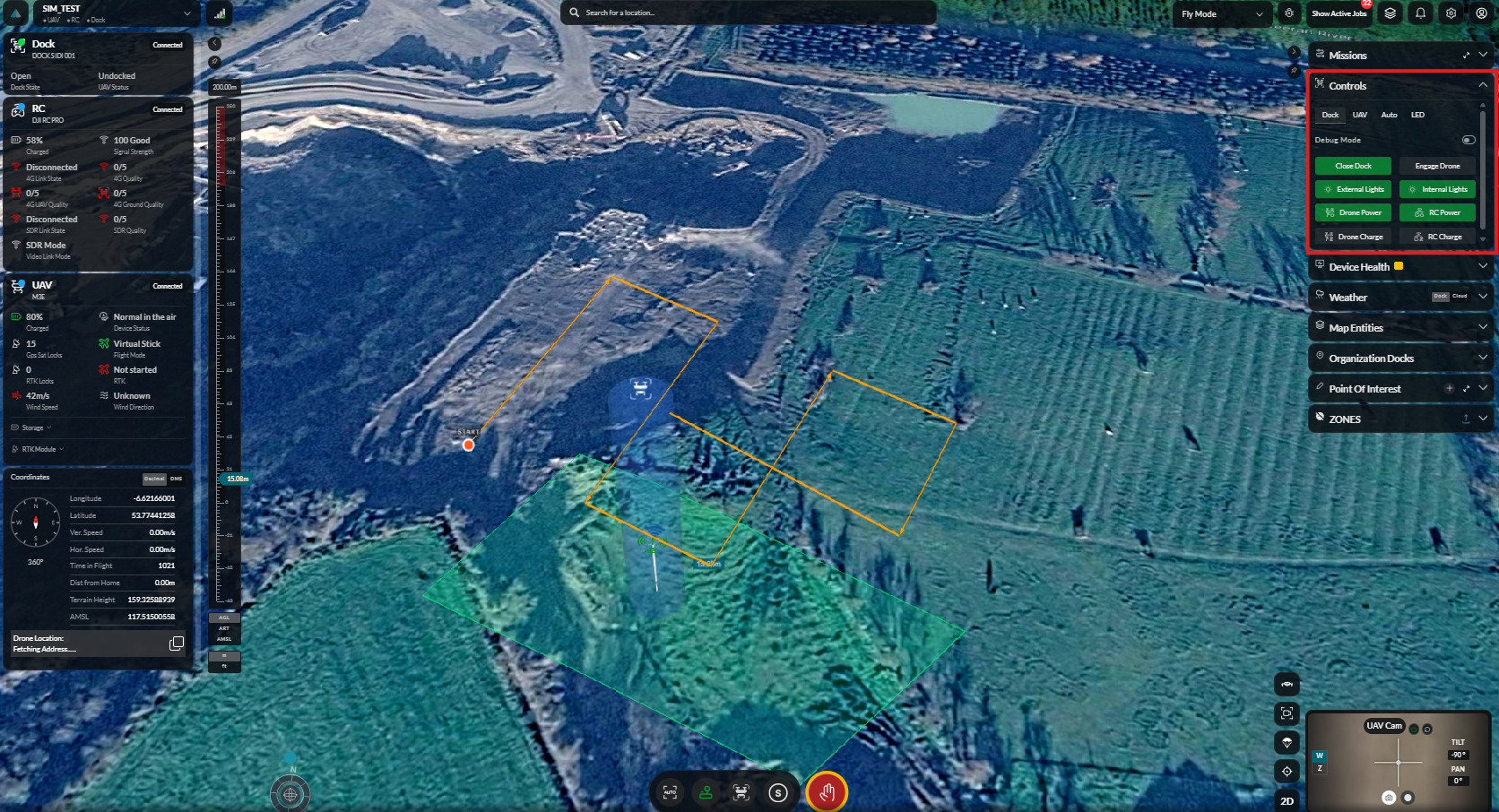
Dock Controls
Dock Control
Control the dock cover and manage dock state.
Dock Camera Select
Switch between available dock camera views.
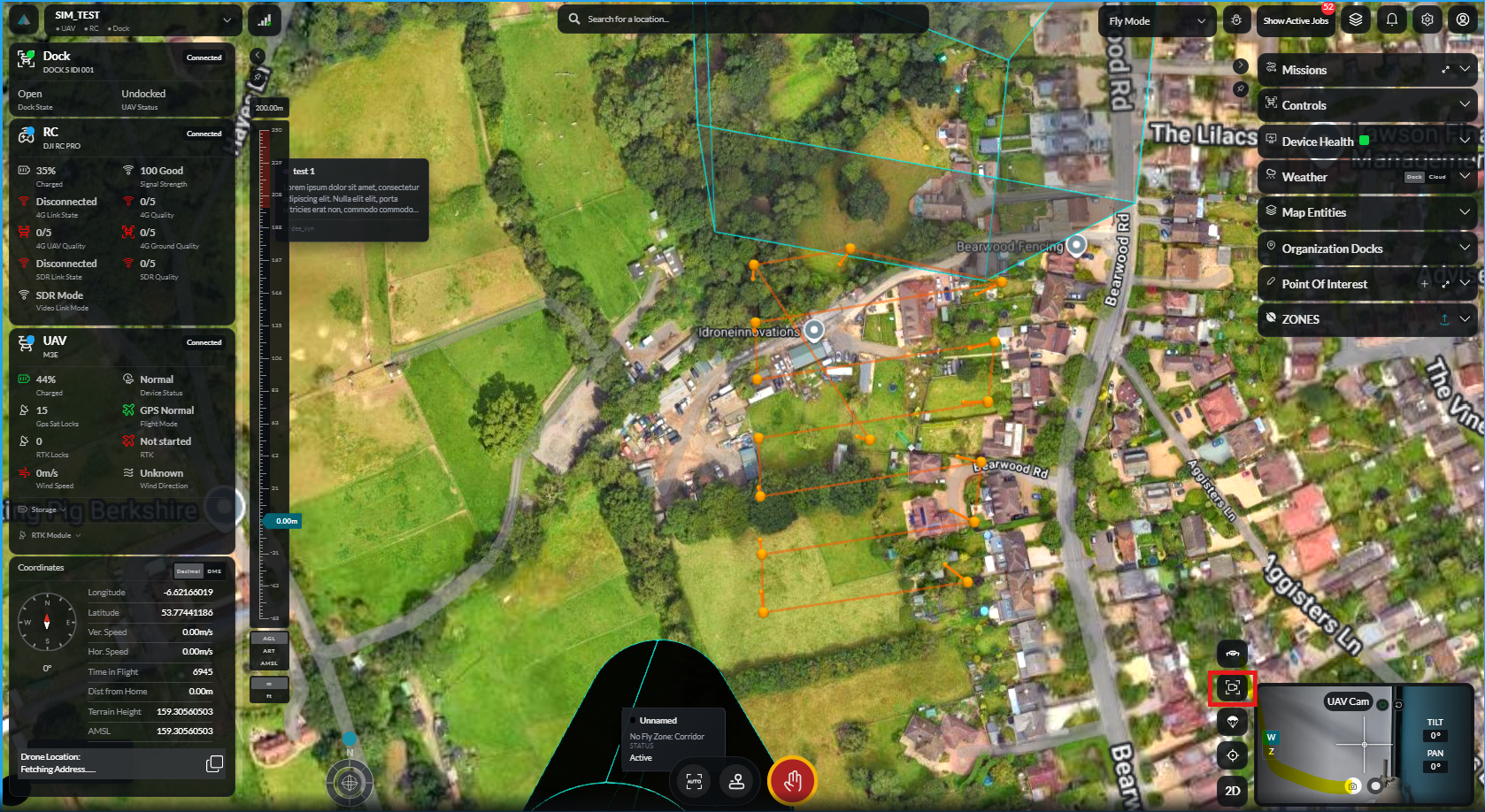
Dock Camera View
Live view from the dock's onboard camera.
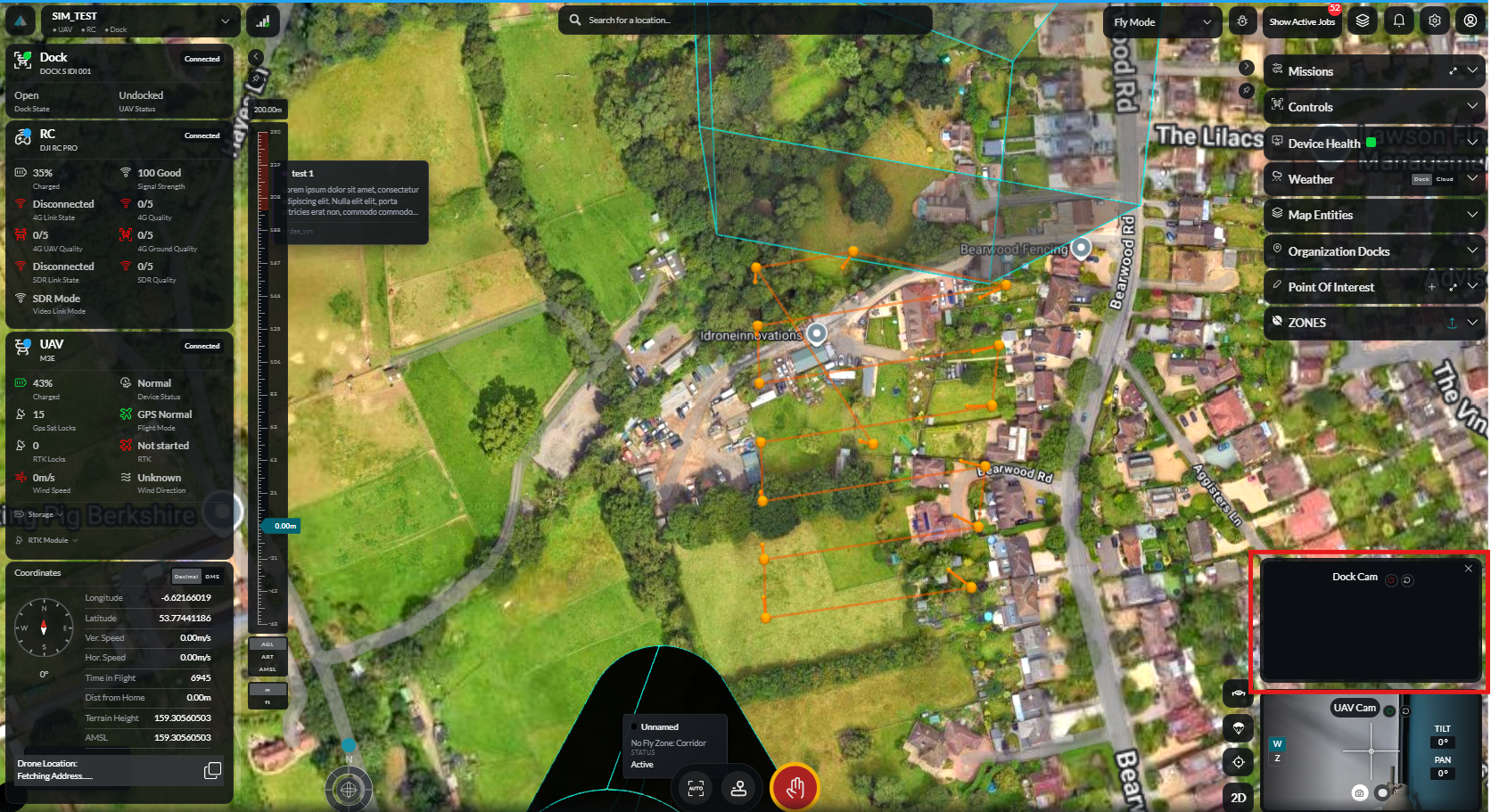
Drone Camera View
Live video feed from the aircraft camera during flight.
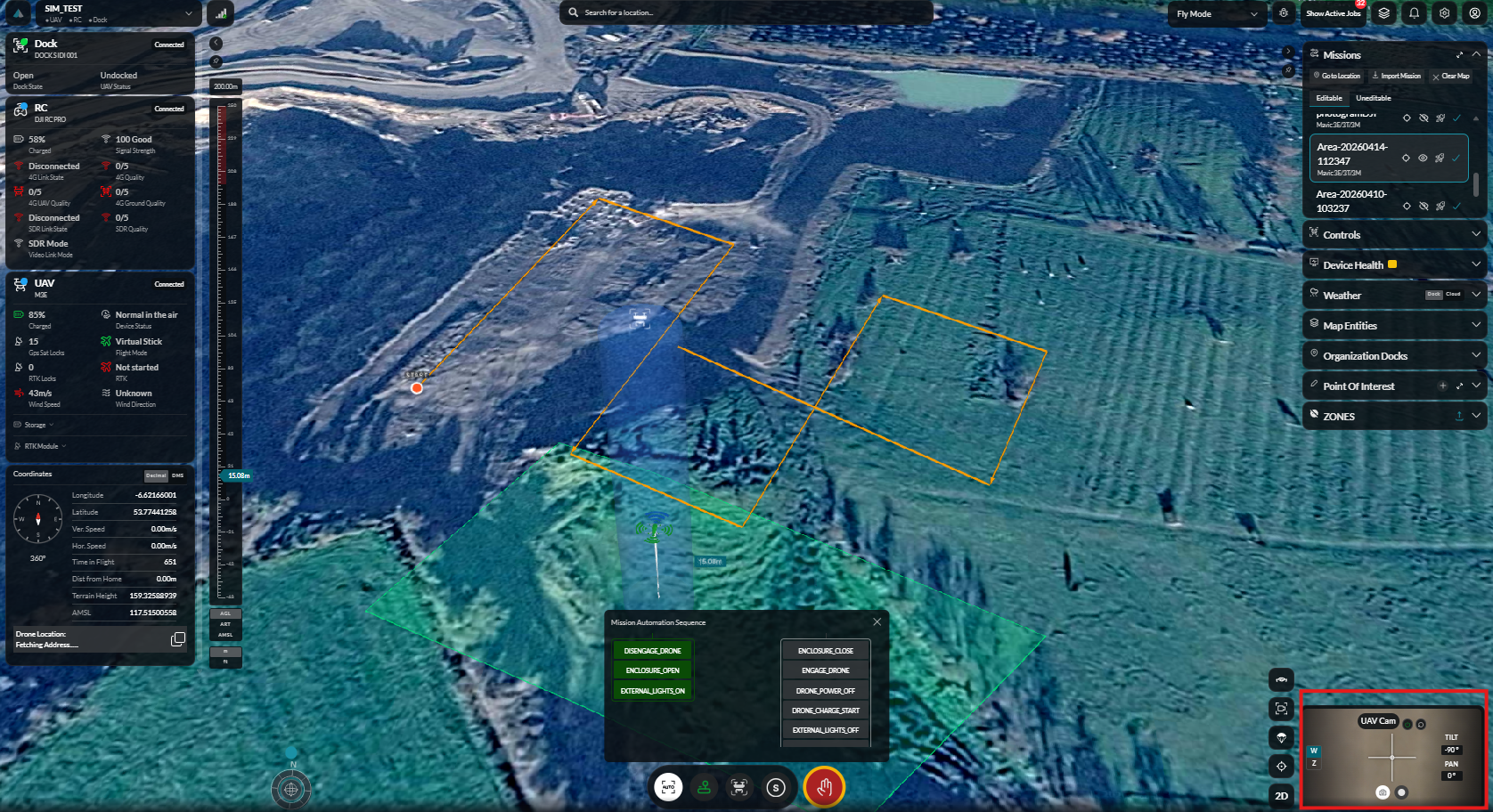
Emergency & Return
Emergency Stop
Immediately halt all operations with the emergency stop.
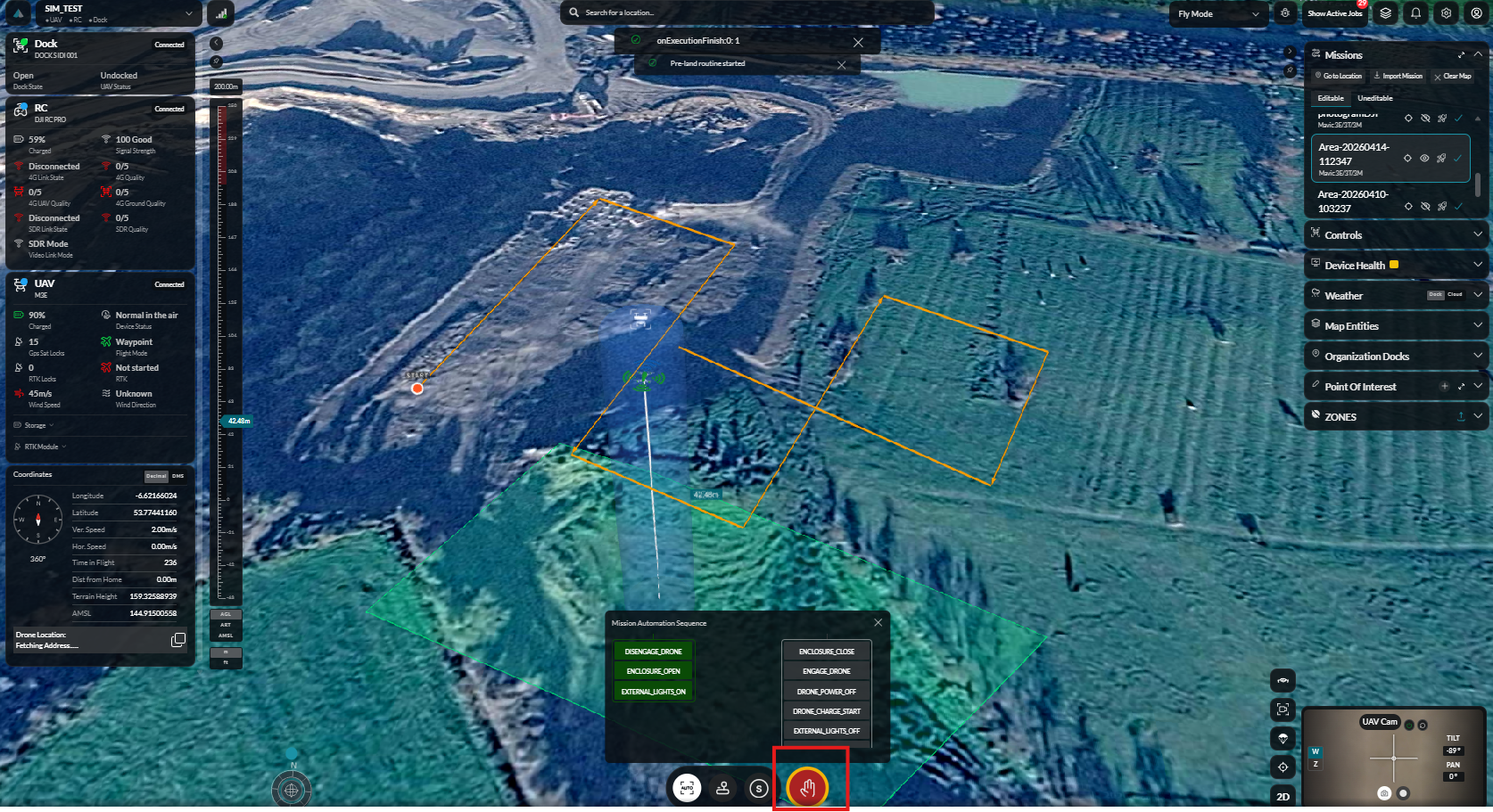
Return to Dock (RTD) Select
Select the appropriate return-to-dock behaviour.
RTD Countdown
Monitor the return-to-dock countdown and descent sequence.
Related Features
- Deploy Device — Deploy a dock and monitor deployment progress
- Mission Planning — Create and manage automated missions
- Fly Dashboard — Real-time flight control
- Safe Locations — Configure safe landing areas