GoTo Location
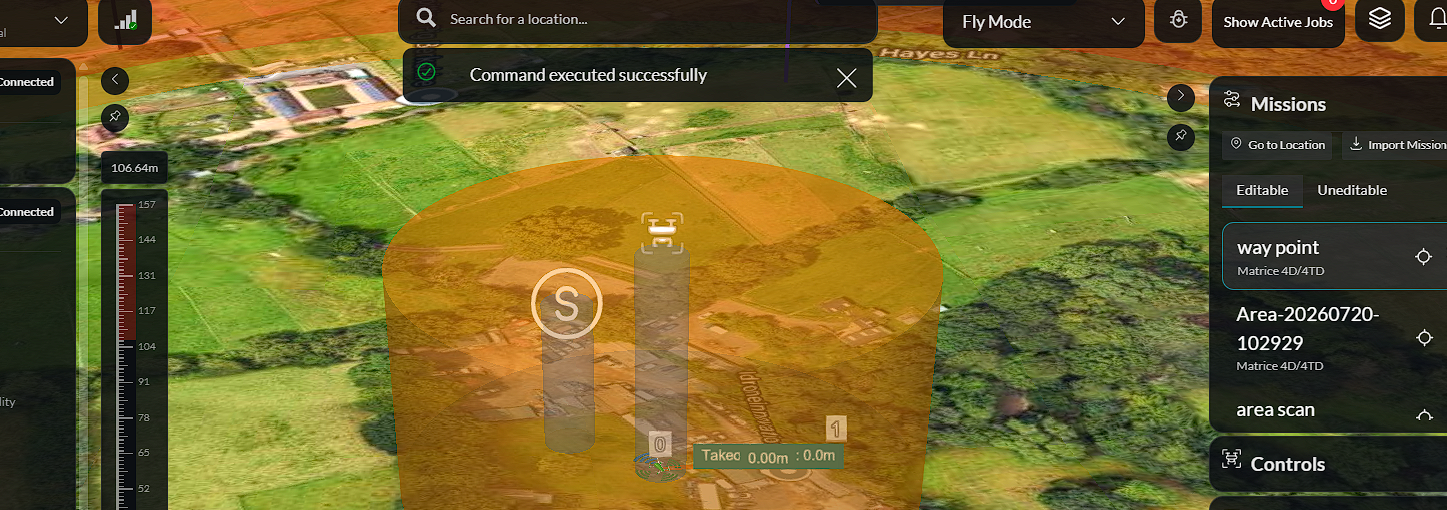
A Go to Location mission allows an operator to command the aircraft to fly directly to a selected location on the map without creating a predefined flight plan.
Launching a Go to Location Mission
To launch a Go to Location mission:
-
Select Go to Location from the available mission options.
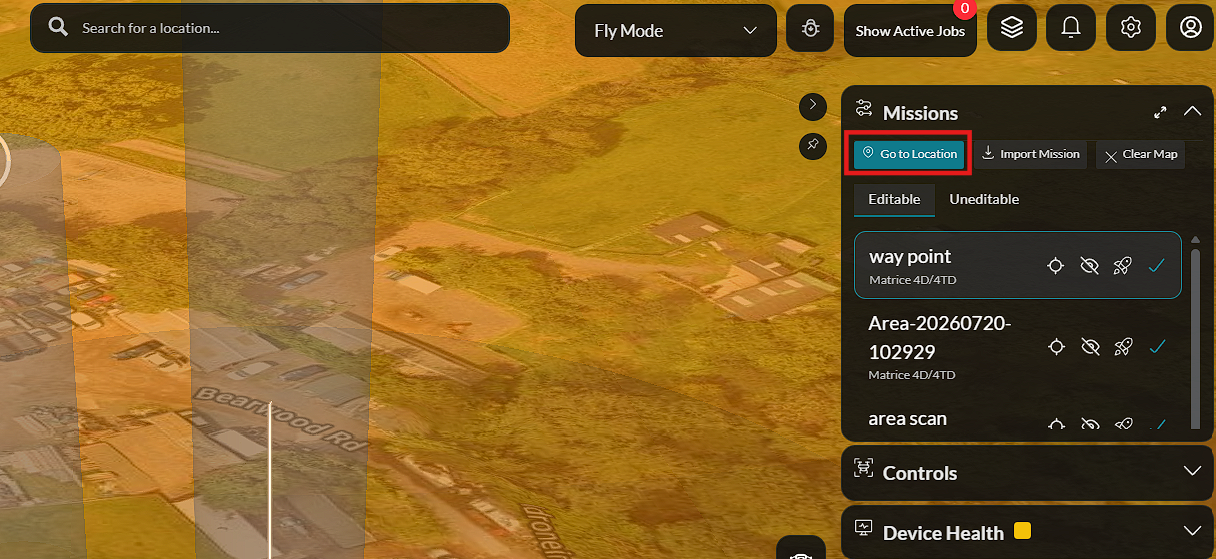
-
Click the desired destination on the map.
-
Click Confirm Launch.
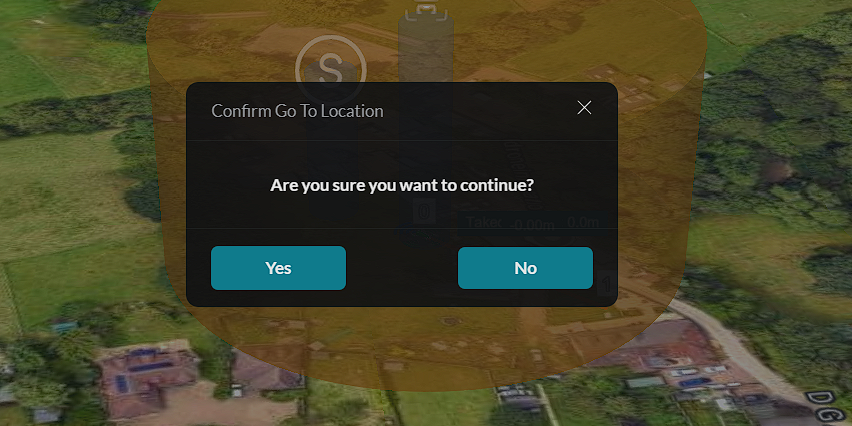
-
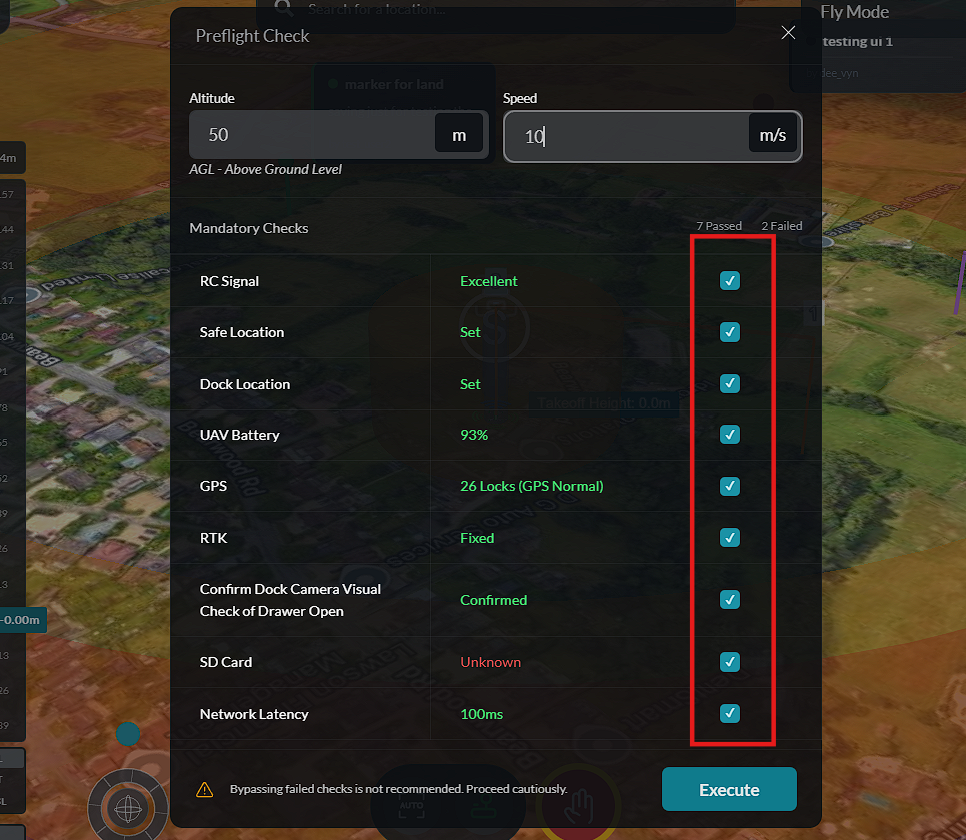
Enter the desired Flight Altitude.
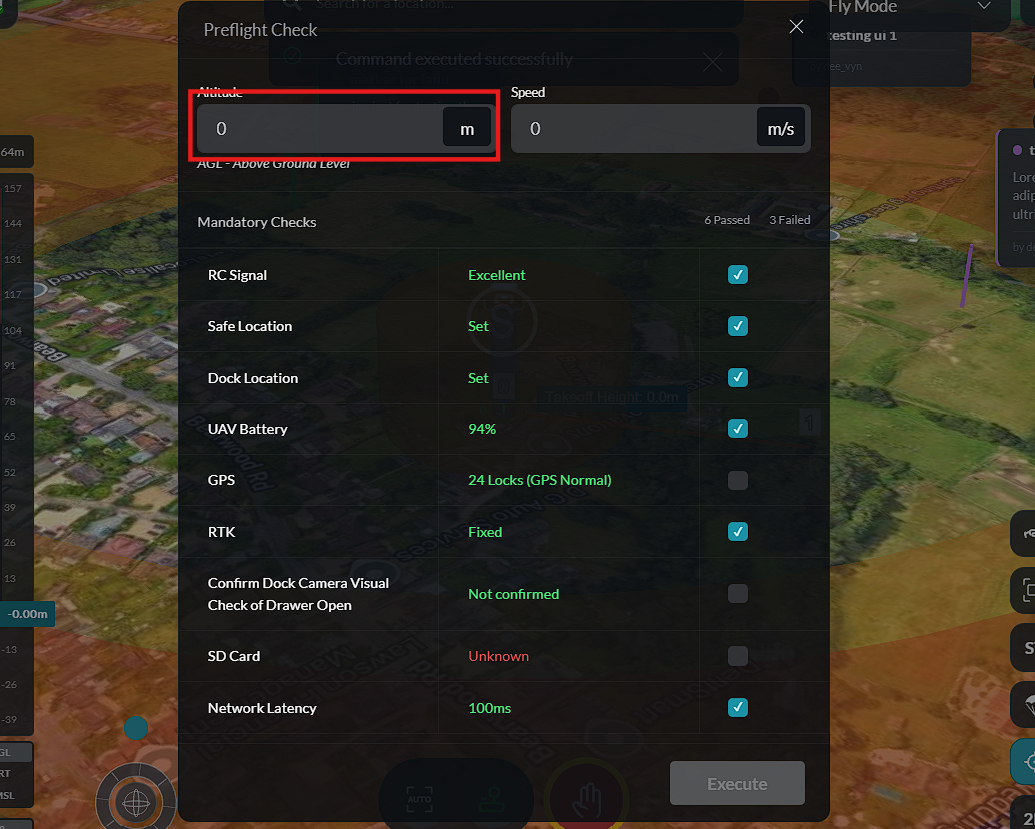
-
Enter the desired Flight Speed.
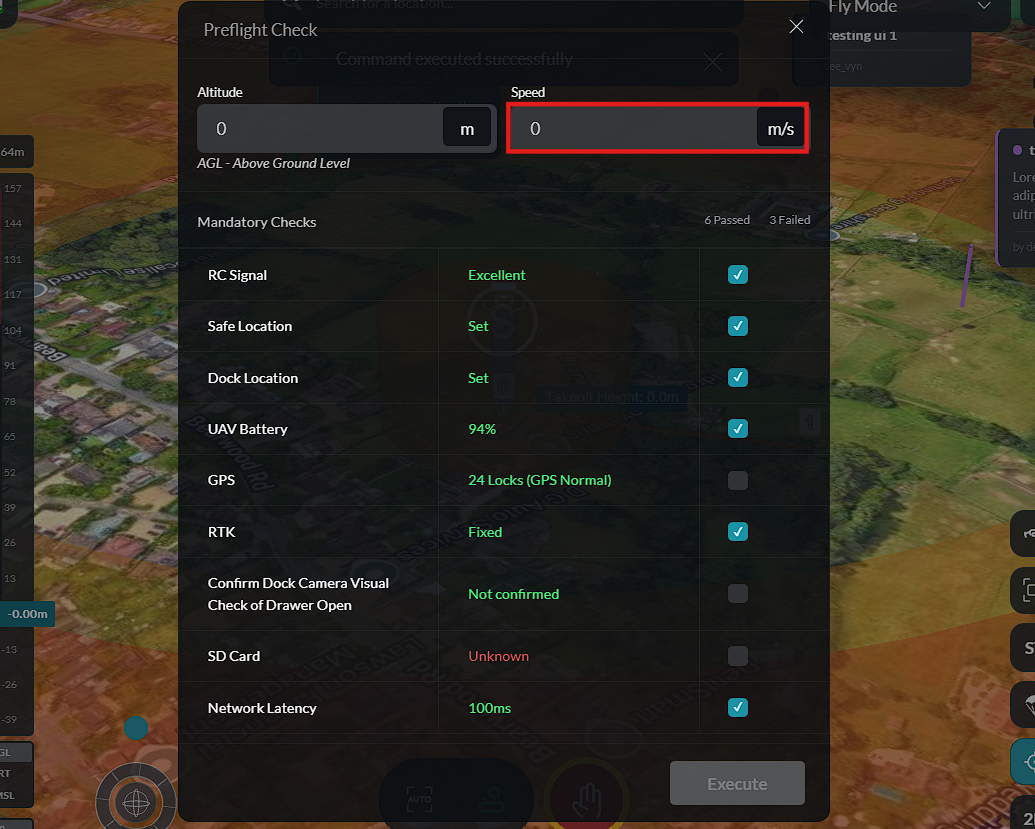
-
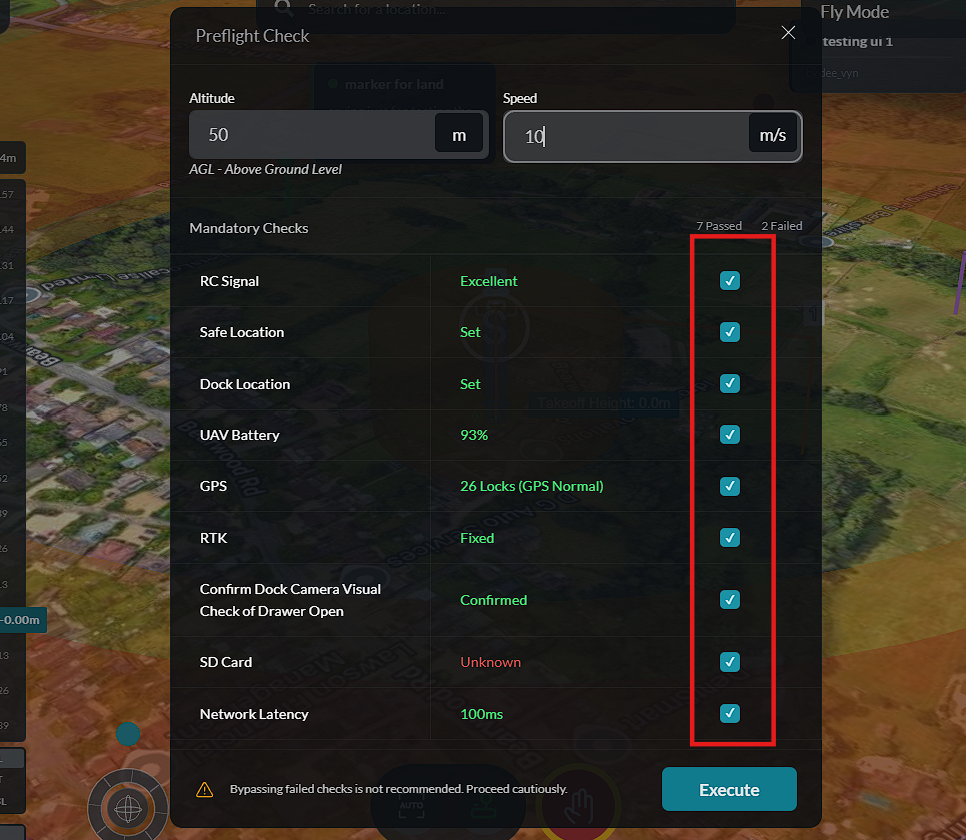
Review and complete the Pre-flight Checks to ensure the aircraft is ready for flight.
-
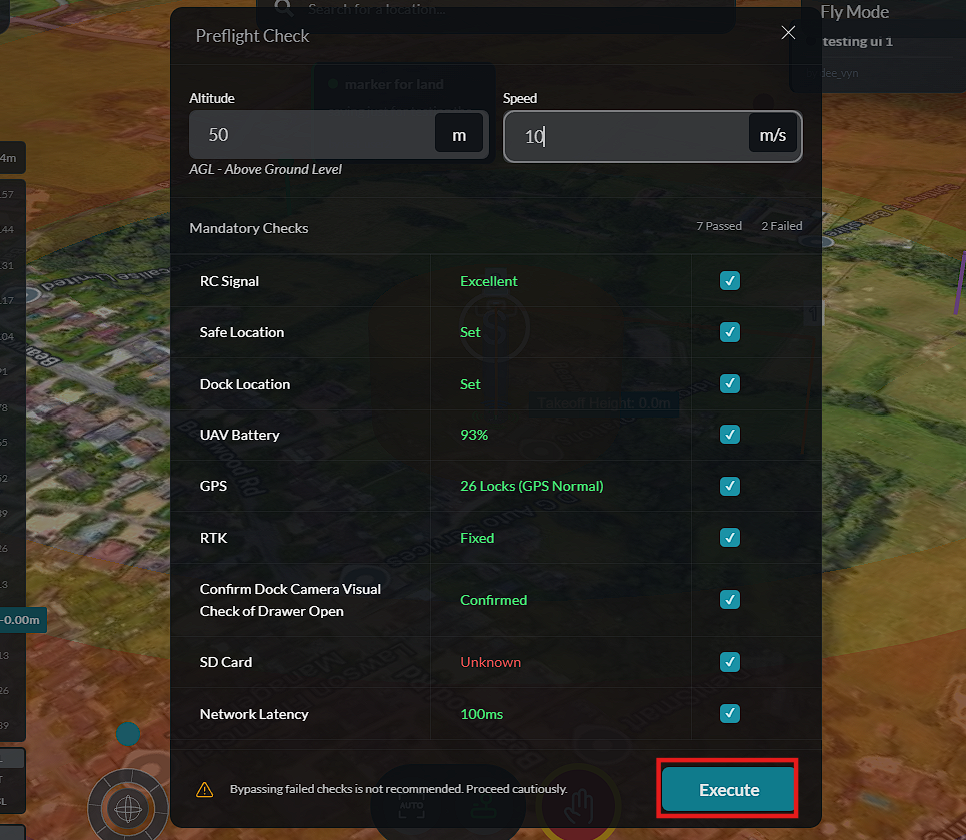
Click Execute Mission.
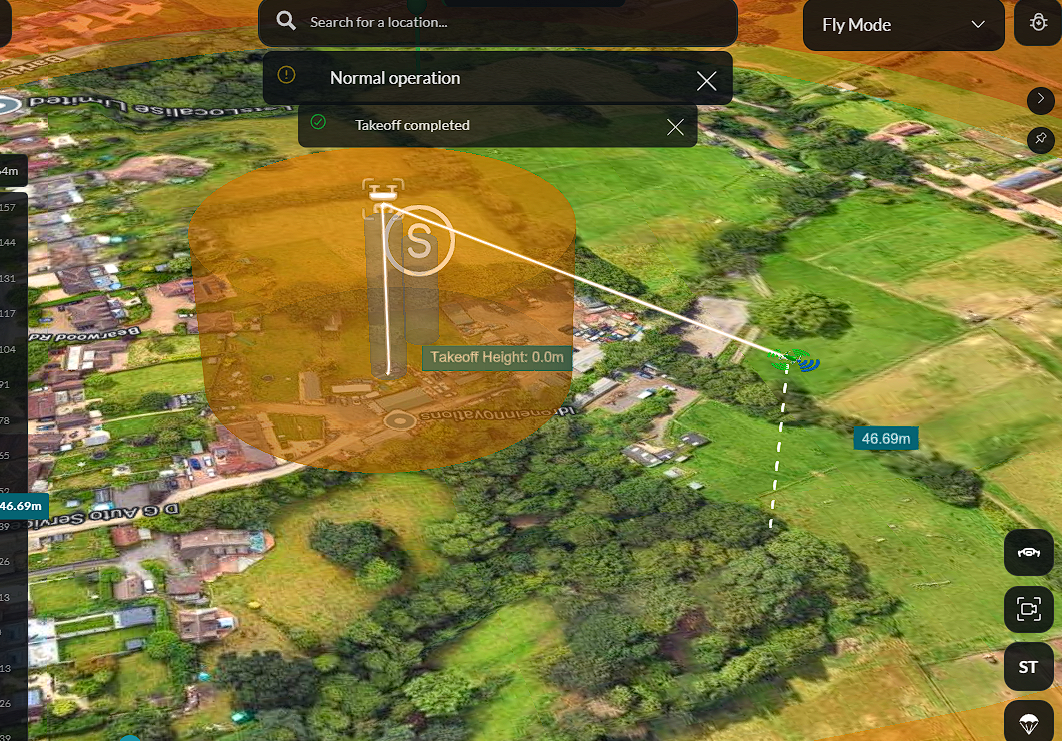
Once the mission is executed, the aircraft automatically flies to the selected location using the configured altitude and speed.
Mission Controls
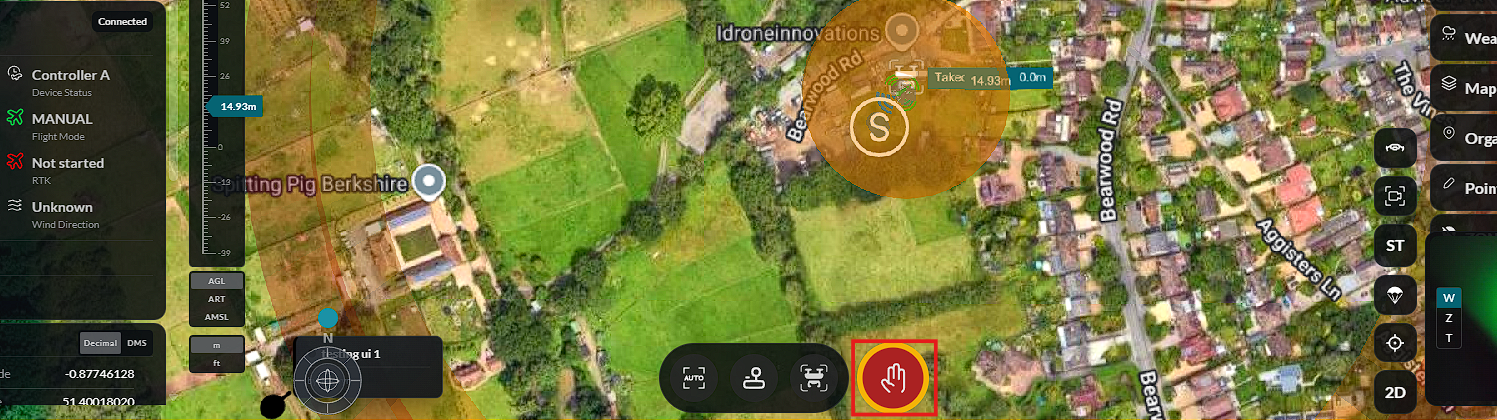
During mission execution, the following controls are available:
Return to Dock
Select Return to Dock to end the current mission and command the aircraft to return to its configured docking station or home location.
Emergency Stop
Select Emergency Stop to immediately stop mission execution in the event of an operational or safety concern.
The aircraft will continue the mission until it reaches the selected destination or receives a new command from the operator.