Groups
The Groups page allows administrators to create and manage user groups within the organization. Groups simplify user administration by allowing permissions, resources, and sharing settings to be managed collectively instead of individually.

Viewing Groups
Navigate to:
Settings → Groups
The page displays all groups configured within the organization, along with the number of users assigned to each group.
A search field is available to quickly locate a group by name.
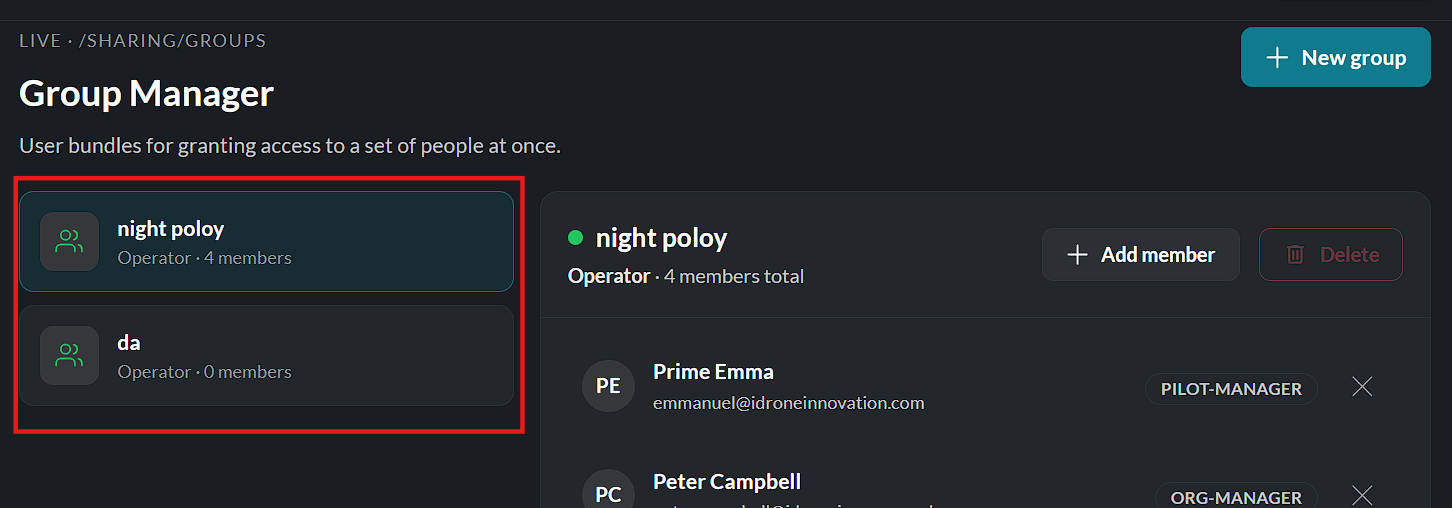
Creating a Group
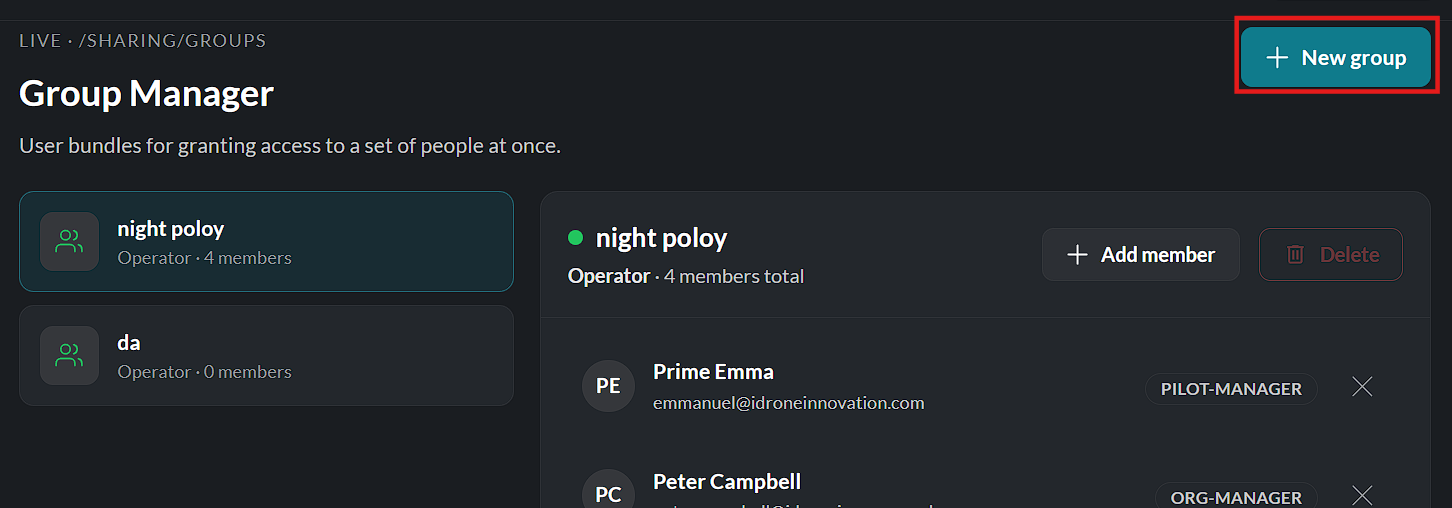
To create a new group:
- Click Create Group.
- Enter a unique group name.
- Optionally provide a description.
- Search for and select the users to add to the group.
- Click Create to save the new group.
The group is immediately available for assigning permissions and sharing resources.

Managing Group Members
Groups can be updated at any time to reflect organizational changes.
Authorized users can:
- Add new members.
- Remove existing members.
- Rename the group.
- Update the group description.
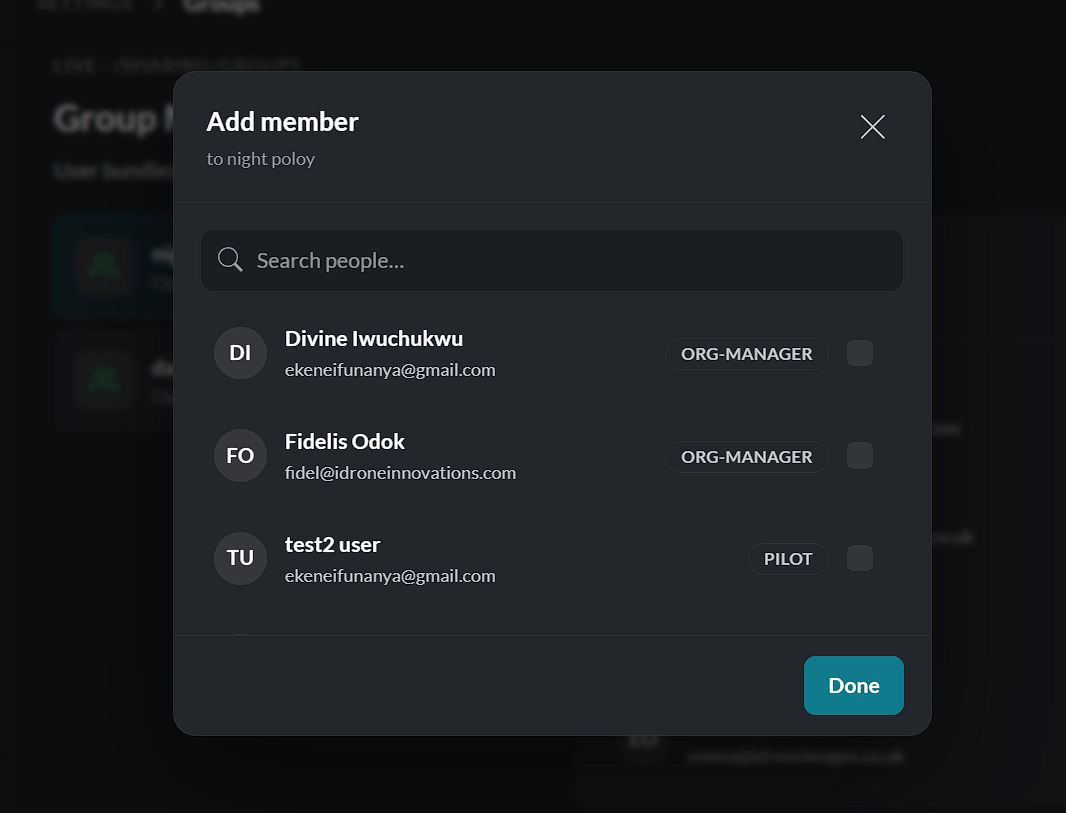

Changes become effective immediately after they are saved.
Editing a Group
To modify an existing group:
- Locate the required group.
- Click Edit.
- Make the necessary changes.
- Click Save.
The updated configuration is applied immediately.
Deleting a Group
To remove a group:
- Select the group from the list.
- Click Delete.
- Confirm the deletion when prompted.
Deleting a group removes the group only. It does not delete the users assigned to the group or affect their individual accounts.
Benefits of Using Groups
Groups simplify administration by allowing organizations to:
- Organize users into teams or departments.
- Assign permissions to multiple users at once.
- Simplify resource sharing.
- Reduce repetitive administrative tasks.
- Maintain consistent access control across the organization.
Note: Group membership determines access only where groups are referenced by permissions, policies, or shared resources. Users retain any permissions granted directly to their individual accounts.
Create and manage user groups for easier permission and resource management.