Sharing
The Sharing section allows users to view resources shared with them, share resources with other users or groups, and manage incoming access requests. These features simplify collaboration while ensuring access is controlled through the platform's sharing permissions.
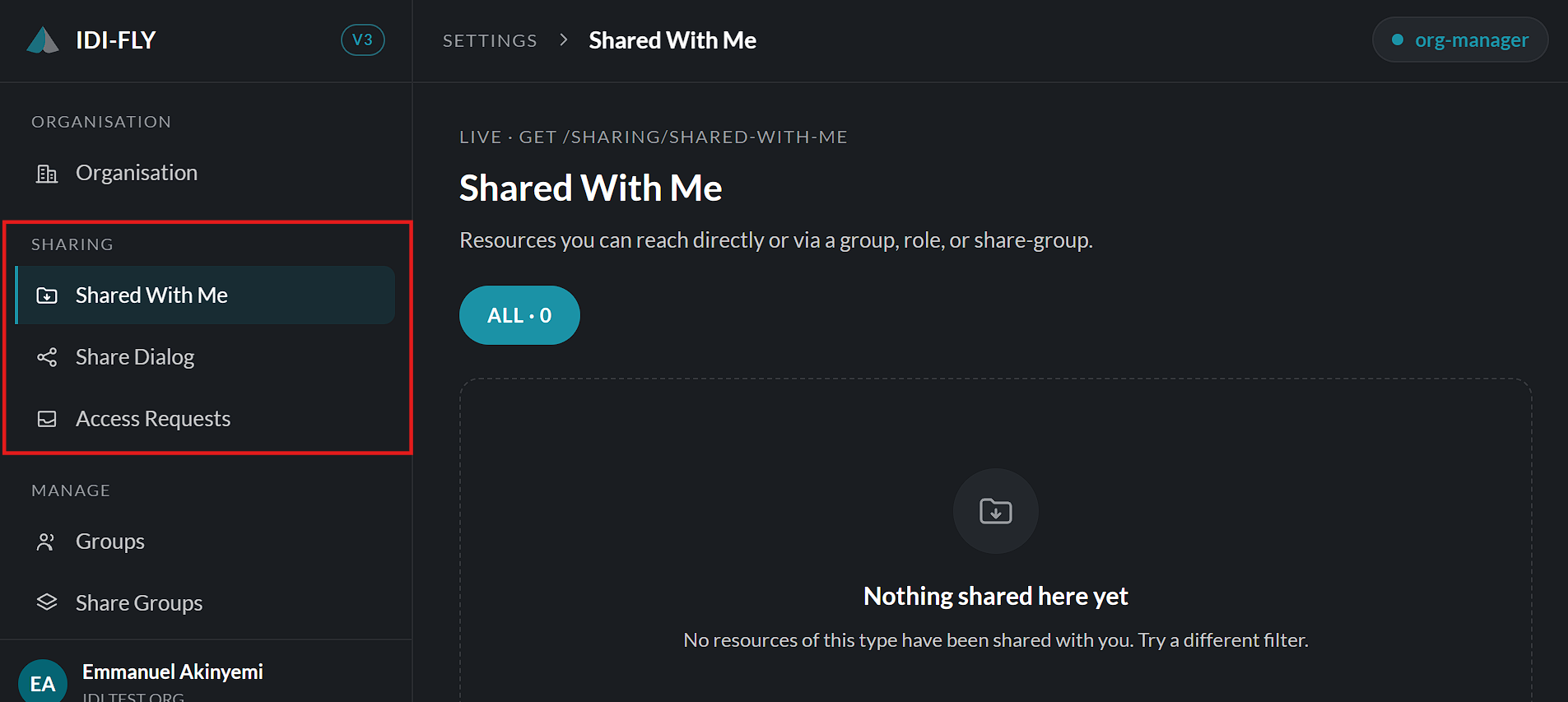
Share Dialog
The Share Dialog is used to grant access to platform resources.
From this page, users can:
- Share resources with individual users.
- Share resources with groups.
- Assign permissions based on the selected sharing option.
- Review existing shares before saving.
Sharing changes take effect once the action is confirmed.
Access Requests
The Access Requests page displays requests from users who require access to shared resources.
From this page, authorized users can:
- Review pending access requests.
- View request details.
- Approve requests to grant access.
- Reject requests when access should not be granted.
Approved requests immediately provide the requested permissions based on the configured sharing rules.
Share Groups
A Share Group is a reusable collection of users that simplifies resource sharing.
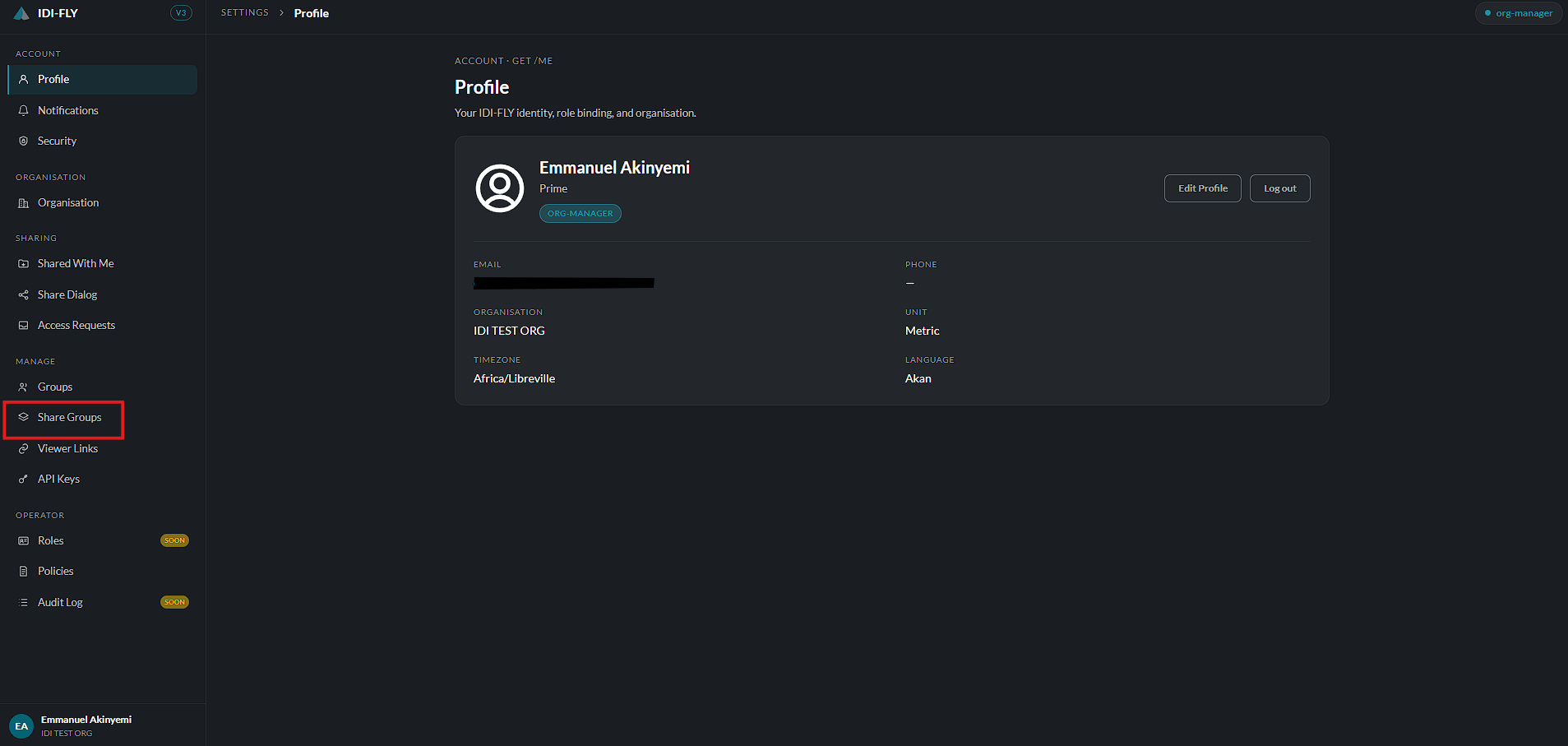
Instead of selecting individual users each time, administrators can create a share group and assign users to it. Resources can then be shared with the entire group in a single action.
Using Share Groups provides several benefits:
- Reduces repetitive sharing tasks.
- Ensures consistent access permissions across multiple users.
- Simplifies management when team membership changes.
- Allows resources to be shared with multiple users through a single group assignment.
Once a Share Group has been created, it becomes available as a sharing destination within the Share Dialog.