
Devices
Configure and manage your drone fleet, controllers, and related equipment.
Overview
Devices covers:
| Feature | Description |
|---|---|
| Device Pairing | Connect new aircraft and controllers |
| Device Settings | Configure device parameters |
| Dock Operations | Manage automated dock stations |
| FPV Controller | DJI FPV controller setup and operation |
Device Types
IDI Fly Dashboard supports various device types:
Aircraft
- DJI drones and compatible aircraft
- Multiple model support
- Fleet management capabilities
Controllers
- Remote controllers
- FPV controllers
- Mobile device integration
Accessories
- Docking stations
- Ground stations
- Relay equipment
Device Status
Status Indicators
| Status | Meaning |
|---|---|
| Online | Device connected and ready |
| Offline | Device not connected |
| Flying | Aircraft currently in flight |
| Charging | Battery charging (dock) |
| Error | Device needs attention |
Connection Types
- Direct - Connected to local network
- Remote - Connected via internet
- Dock - Managed through dock station
Quick Actions
From the Devices section you can:
- View all registered devices
- Add new devices to your fleet
- Configure device settings
- Monitor device status
- Access maintenance information
Managing Devices
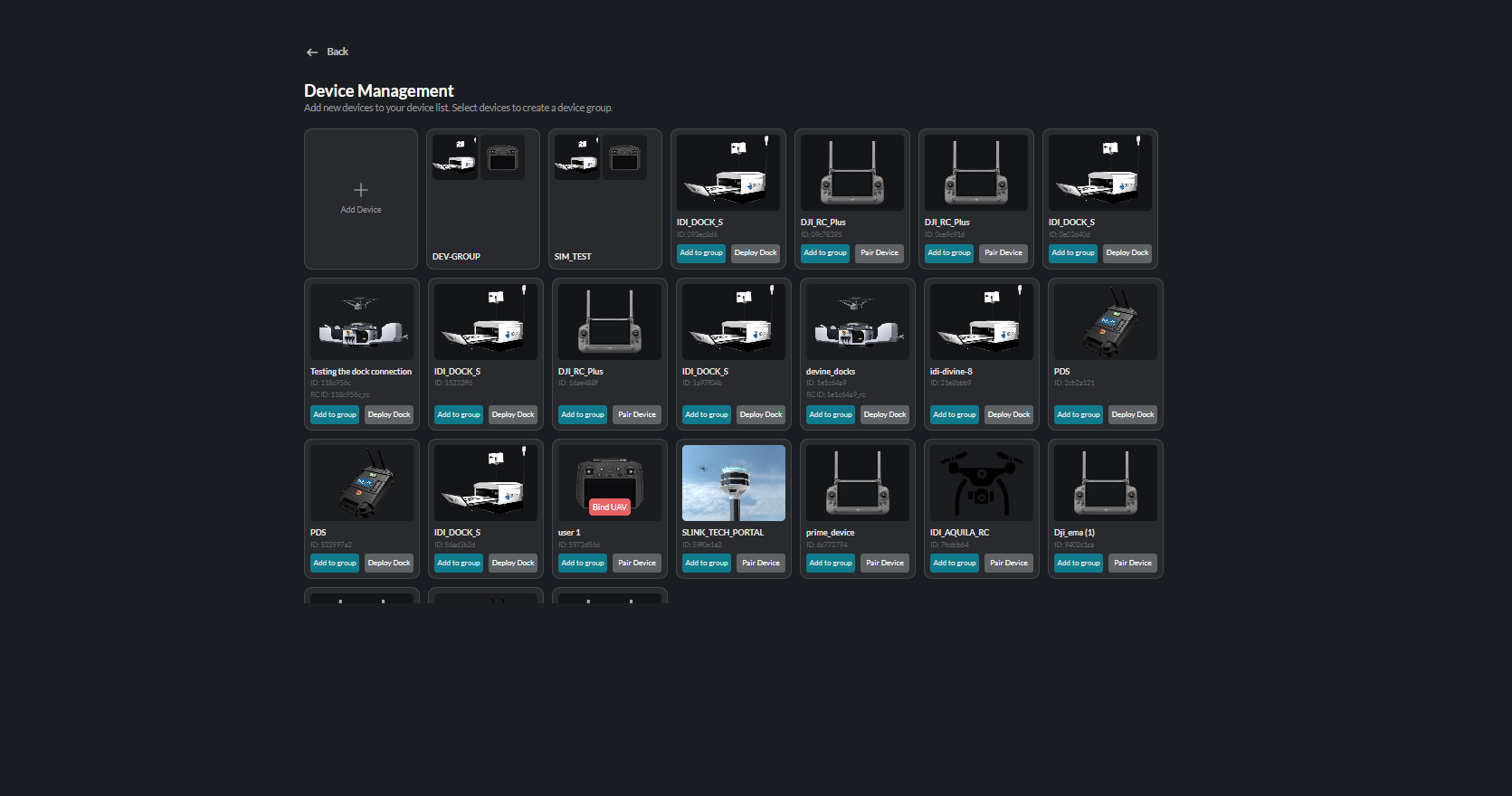
Device Management Board
The device management board gives you a complete overview of all registered devices:
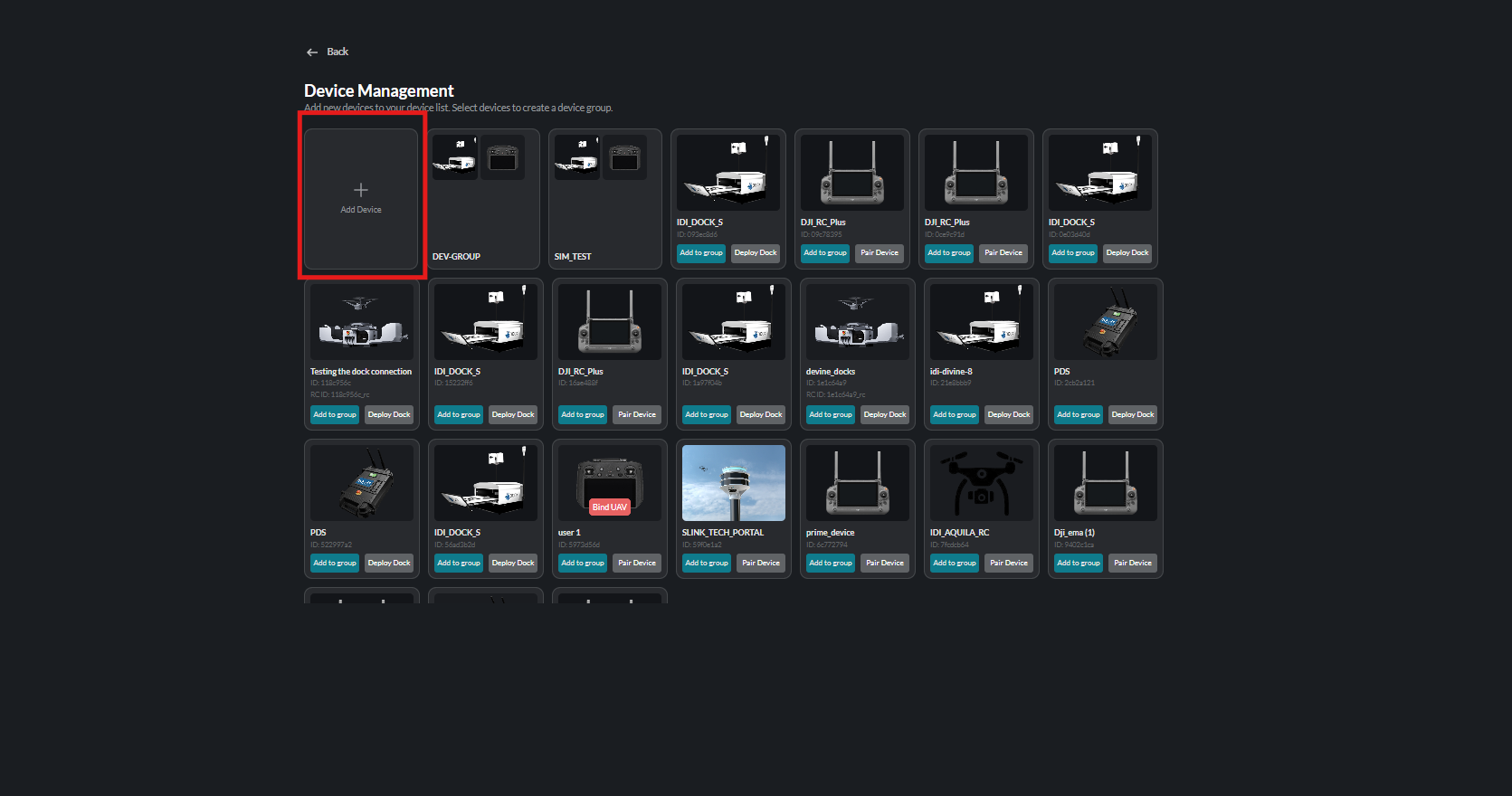
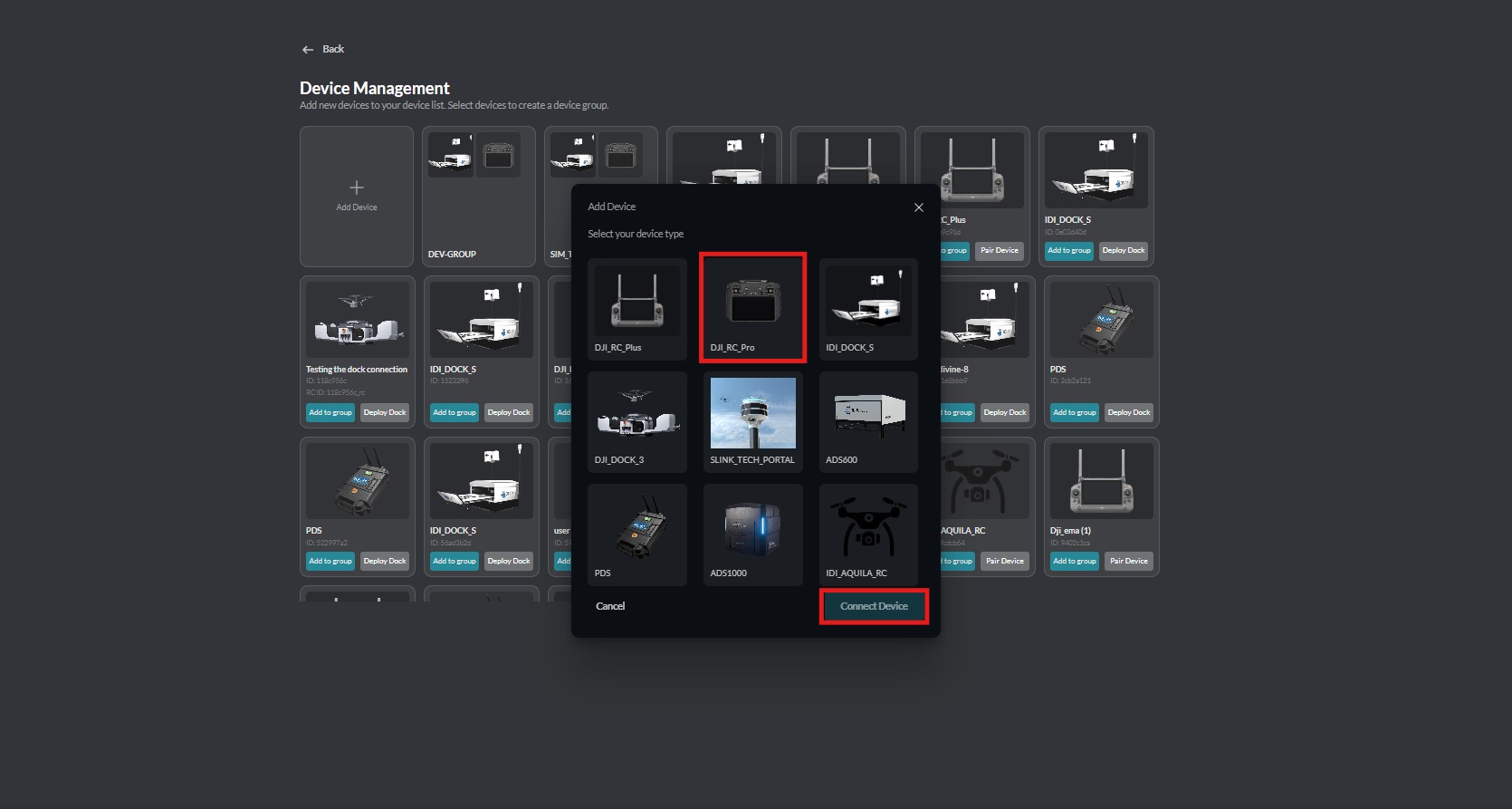
Adding a Device
Click Add Device to register a new device to your fleet:
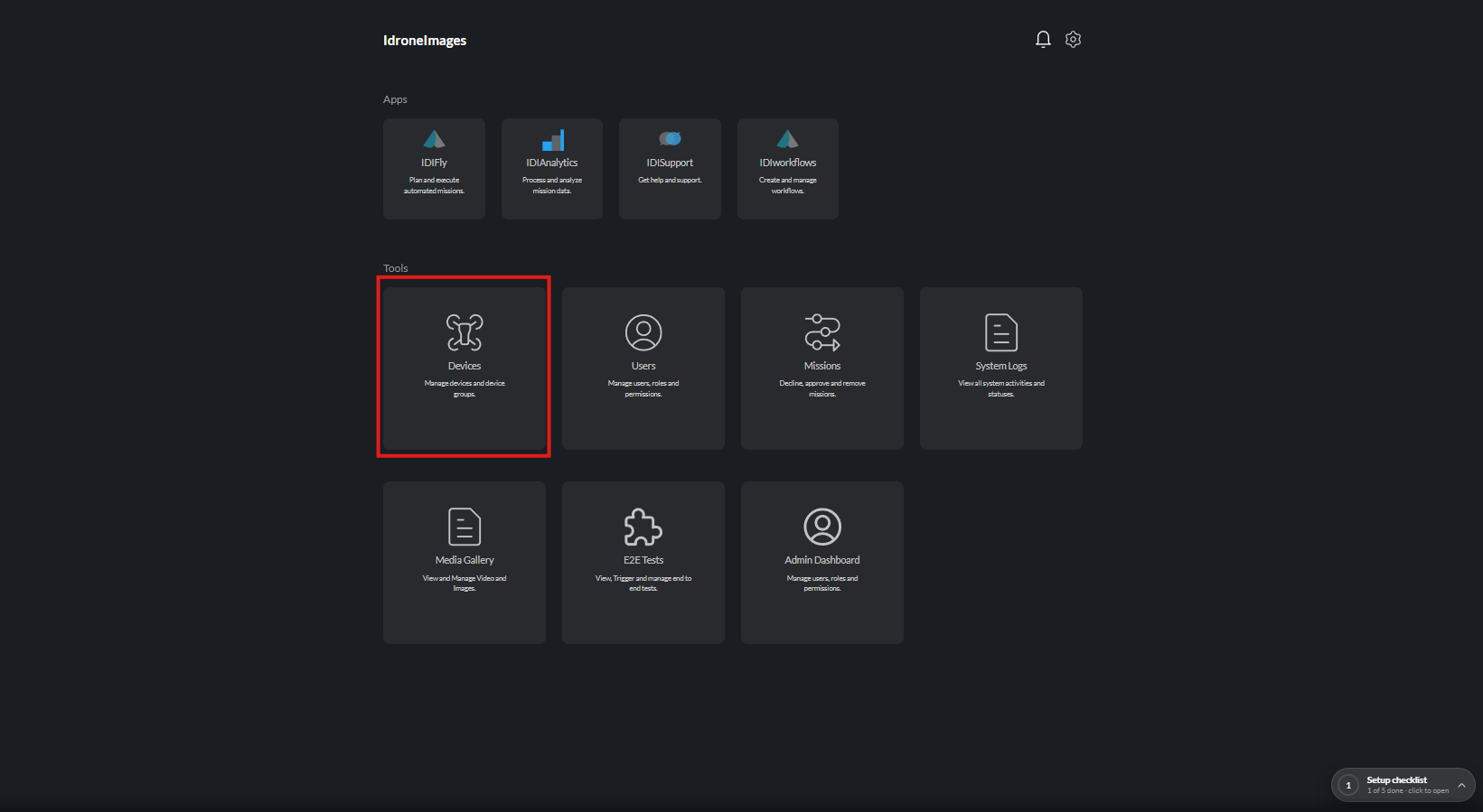
Selecting Devices
Use the device selection tools to find and manage specific devices:
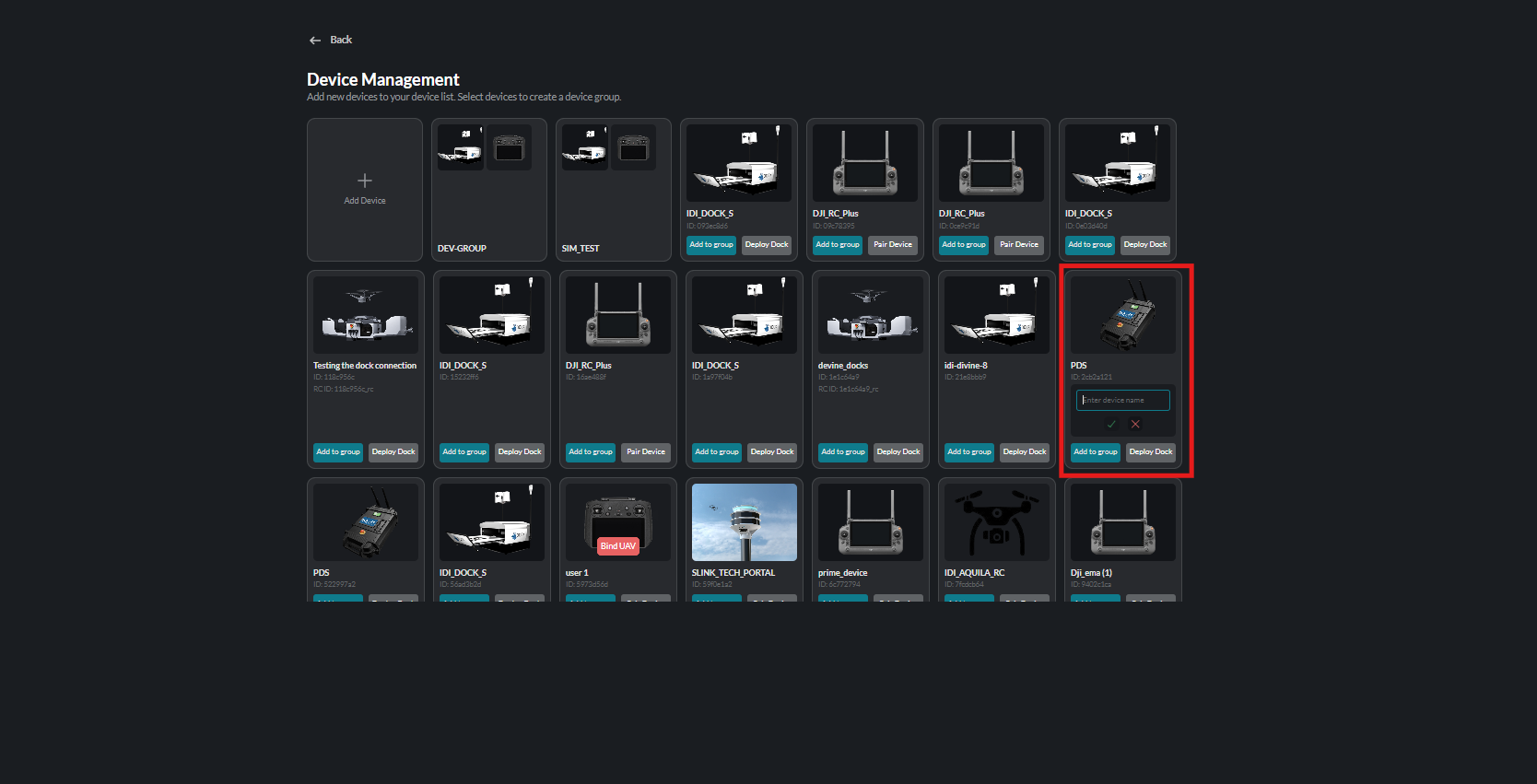
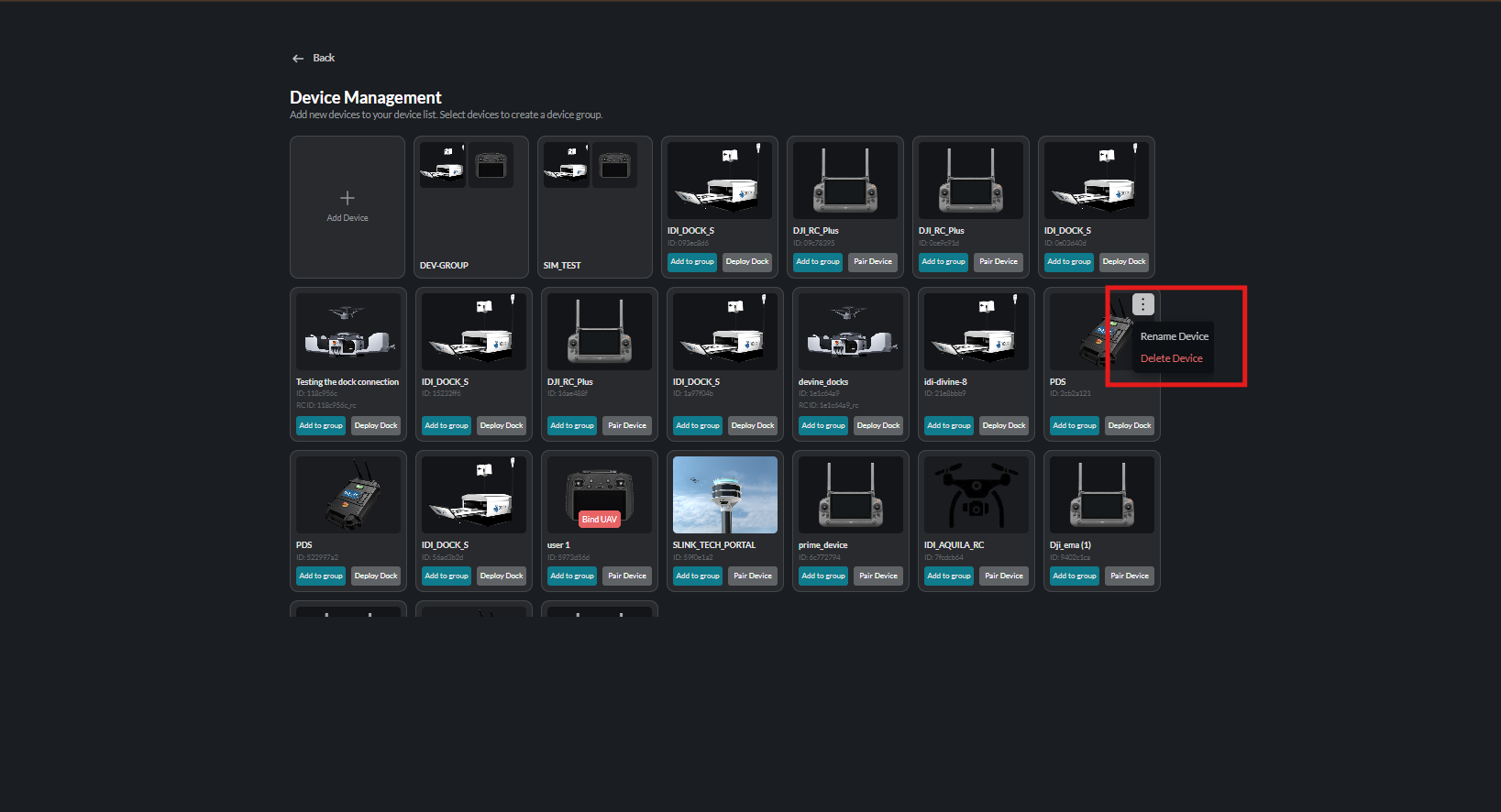
Deleting a Device
Remove devices from your fleet when they are no longer needed:
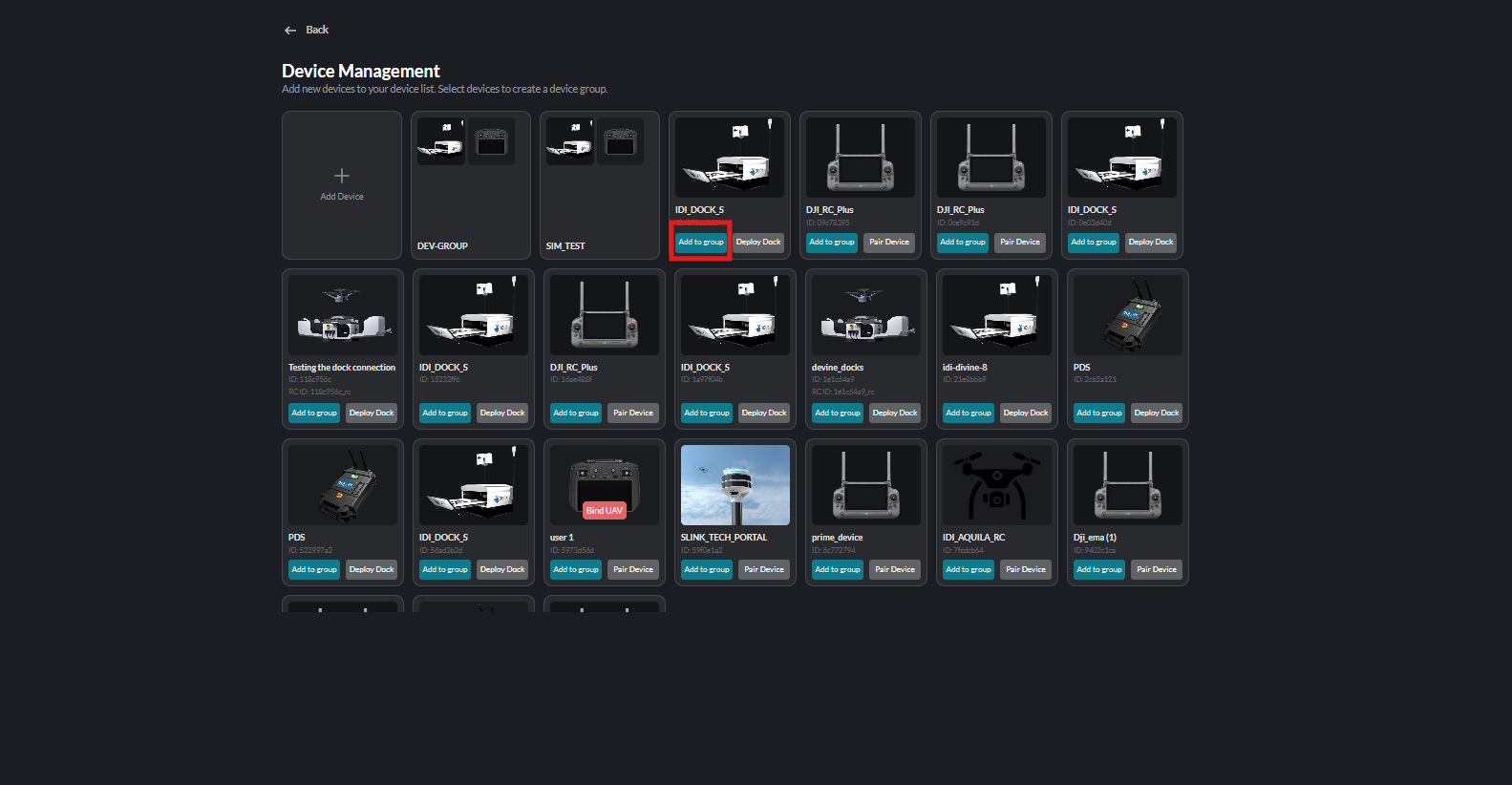
Device Groups
Organize devices into groups for streamlined management:
Getting Started
- Pair Your Device - Connect a new aircraft or controller
- Configure Settings - Customize device parameters
- Access Fly Dashboard - Begin operations with your device
Fleet Overview
The device list shows:
- All registered devices
- Current status
- Last activity
- Battery levels
- Signal strength
Regularly check device status and keep firmware updated for optimal performance.